1 click
To install the template

Project Tracking
Centralize the tracking of your projects with their associated tasks and deliverables, to better distribute the workload, secure deadlines, and maintain clear visibility on progress.
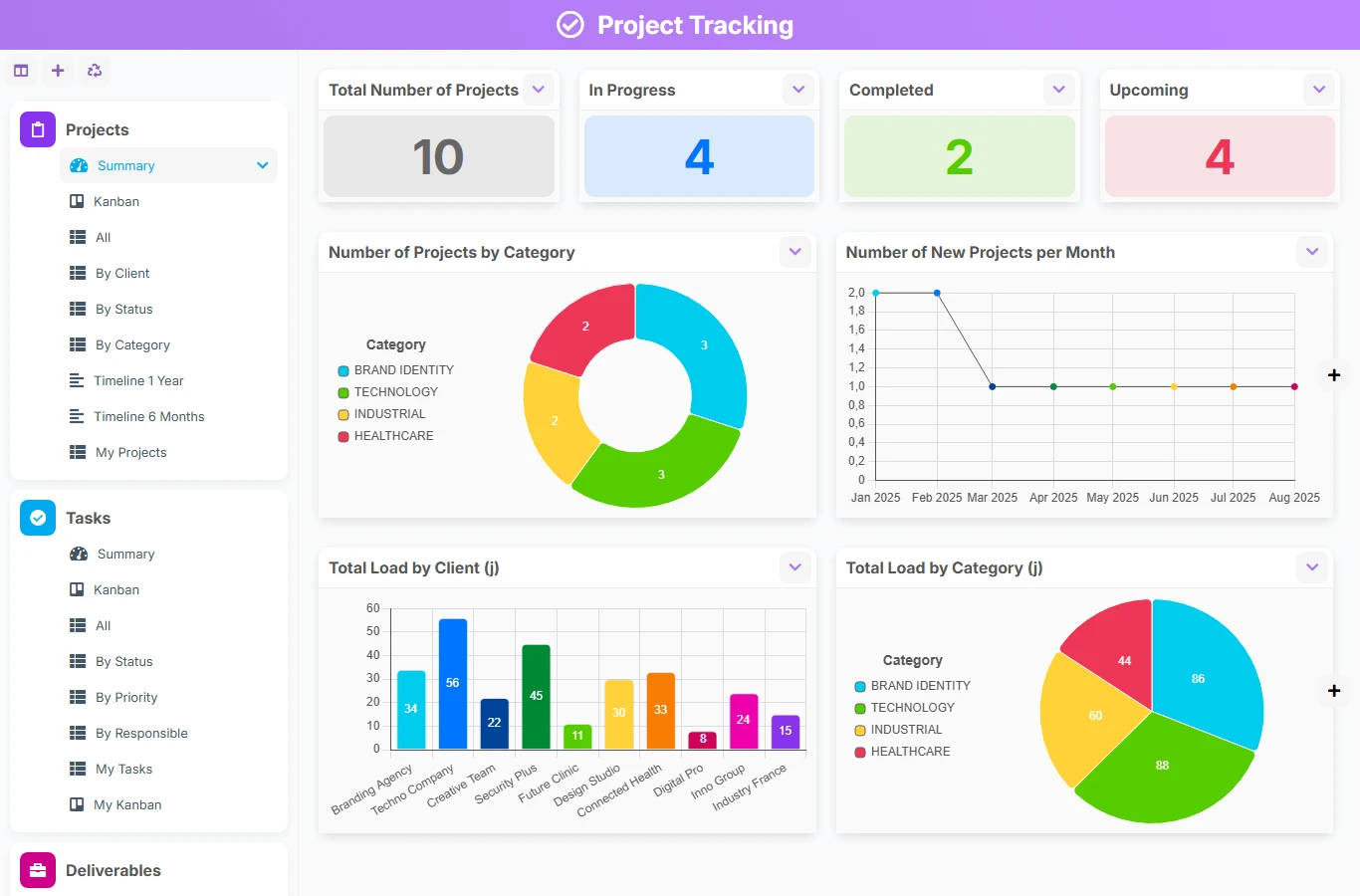
This template avoids scattered files, manual follow-ups, and lost information between teams. Projects, tasks, and deliverables are interconnected to provide a reliable view of execution, from the responsible person to the end date.
1 click
To install the template
3
ready-to-use forms
100%
Customizable without development
France
Technology and hosting
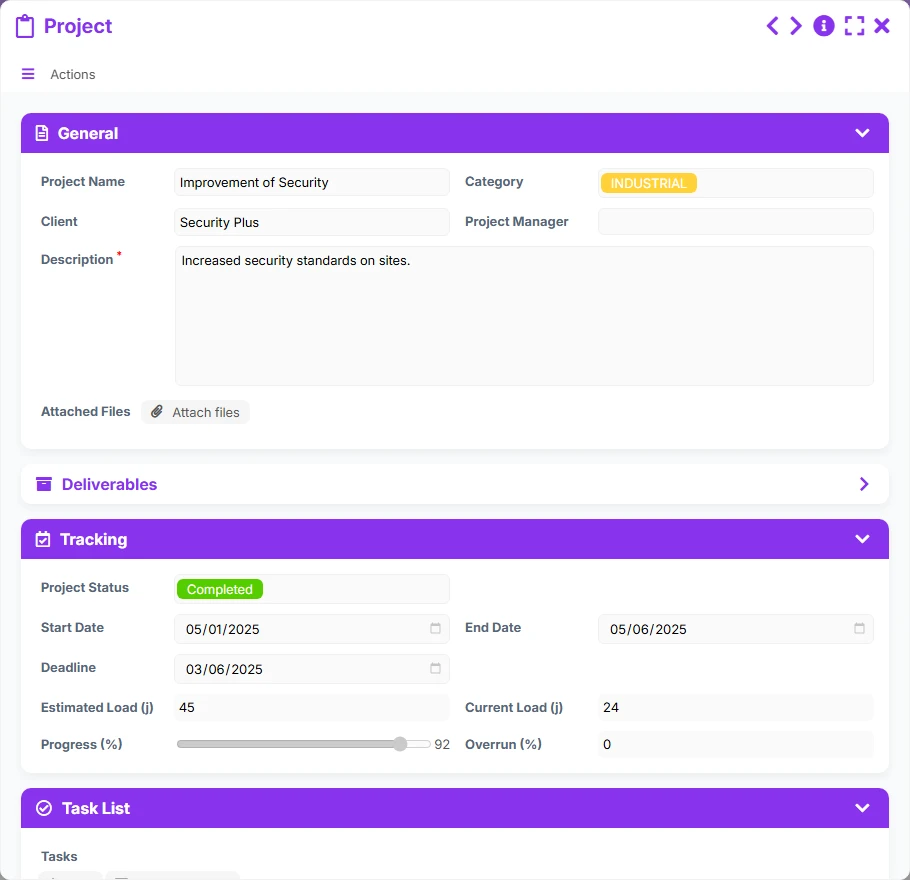
Central file of the project folder with client, manager, status, dates, workload, attachments, tasks, and associated deliverables.
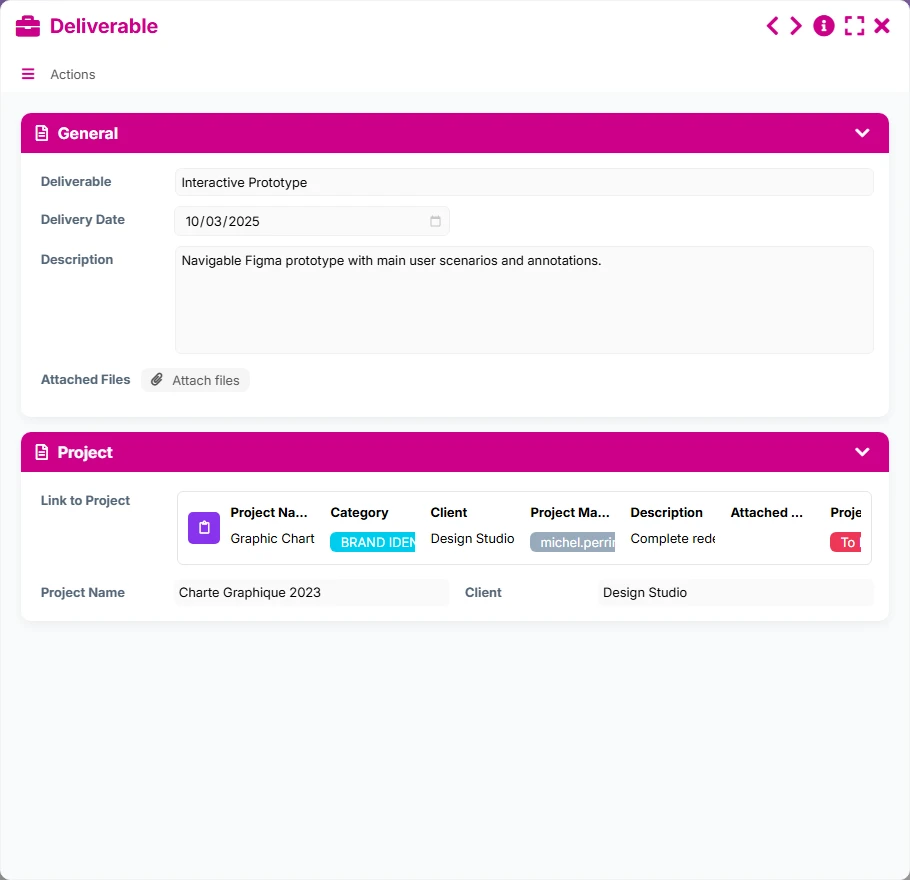
Output item linked to a project to track delivery, description, and associated files.
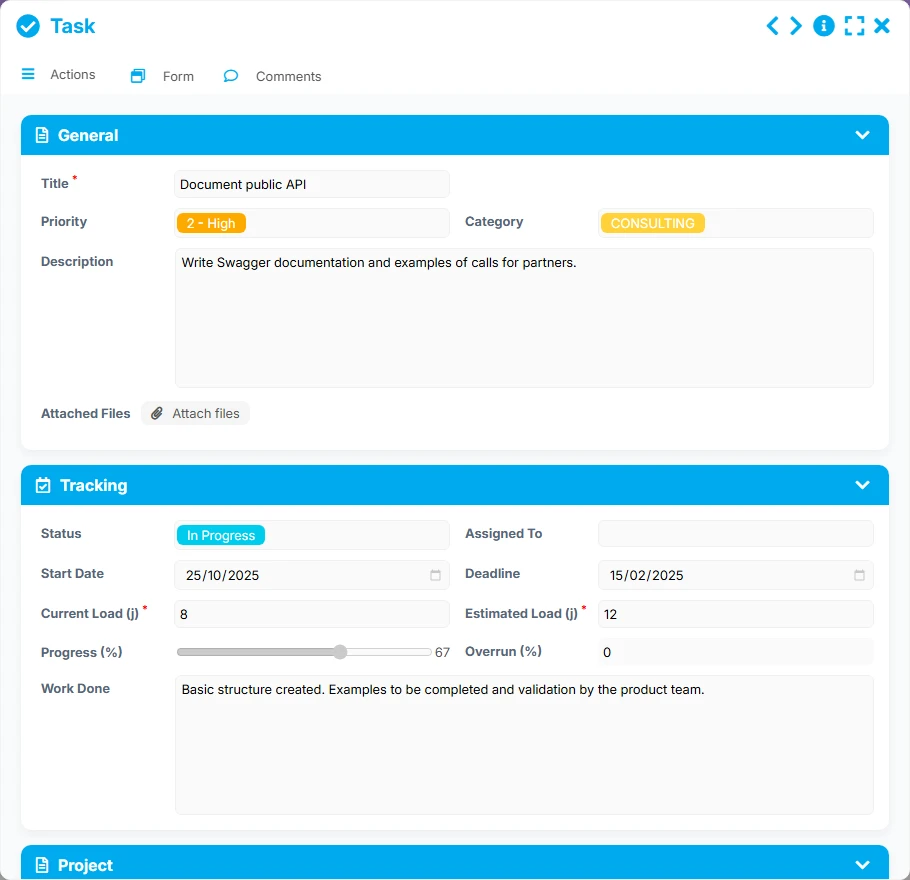
Operational work unit related to the project to track status, priority, workload, assignment, and deadline.
Record each project with its client, project manager, category, key dates, status, and attachments.
Organize work by assigned tasks, with priority, status, workload, progress, deadline, and direct link to the relevant project.
Attach each deliverable to its project to track delivery dates, description, files, and client context.
Analyze current workload, overruns, and progress to quickly detect bottlenecks or drift risks.
Utilize views by client, category, status, manager, or priority to instantly find what requires action.
Rely on the dashboard to track the number of projects, ongoing projects, completed projects, new projects, and workload by client.
The model follows a simple and realistic logic: first, create the project, then attach the tasks to be executed and the expected deliverables. The views then allow you to manage activity by manager, status, client, or over time.
Enter the project name, client, project manager, category, description, start and end dates, as well as useful files.
Add tasks related to the project with a priority, status, workload, manager, start date, and deadline to make execution measurable.
Create the deliverables associated with the project with their delivery date, description, and files, to link the expected result to the correct folder.
Use views by status, priority, and kanbans to track what needs to be done, in progress, or completed, and identify overruns earlier.
Consult dashboards and timelines to visualize volumes, workload distribution, monthly evolution, and upcoming deadlines.
All forms offered in the app templates are editable and adjustable to your business, as well as the colors and layouts.
Structure your projects without multiplying tools, with clear tracking of tasks, deliverables, and deadlines.
Provide a shared view of projects, workloads, and managers across multiple teams or departments.
Track files, production stages, and deliverables with a simple and traceable framework.
Coordinate your actions, managers, and deliverables in a readable and collaborative organization.
Yes. The project serves as an anchor point, with tasks to organize execution and deliverables to track expected results.
Yes. Views by status, kanban, timelines, and summary dashboard facilitate tracking of progress and workloads.
Yes. Each task is attached to the relevant project, allowing for context, responsible person, and deadlines to be kept in one place.
Yes. Dedicated views allow filtering and analyzing projects by client, category, status, or manager.
Yes. It can serve operations, consulting, IT, communication, construction, education, or associative teams whenever structured project tracking is needed.
Yes. You can adapt fields, views, statuses, and usages while maintaining the basic structure of project tracking.
Start with a ready-to-use base to organize your projects, link your tasks and deliverables, and then adapt the application to your way of working.
Here is what our clients say
Companies of all sizes and sectors that have optimized their operations with Airprocess



























