1 click
To install the template

Construction Tracking
Centralize your projects, quotes, invoices, payments, equipment, and deliveries in a single application to track each project with a clear, operational, and financial vision.
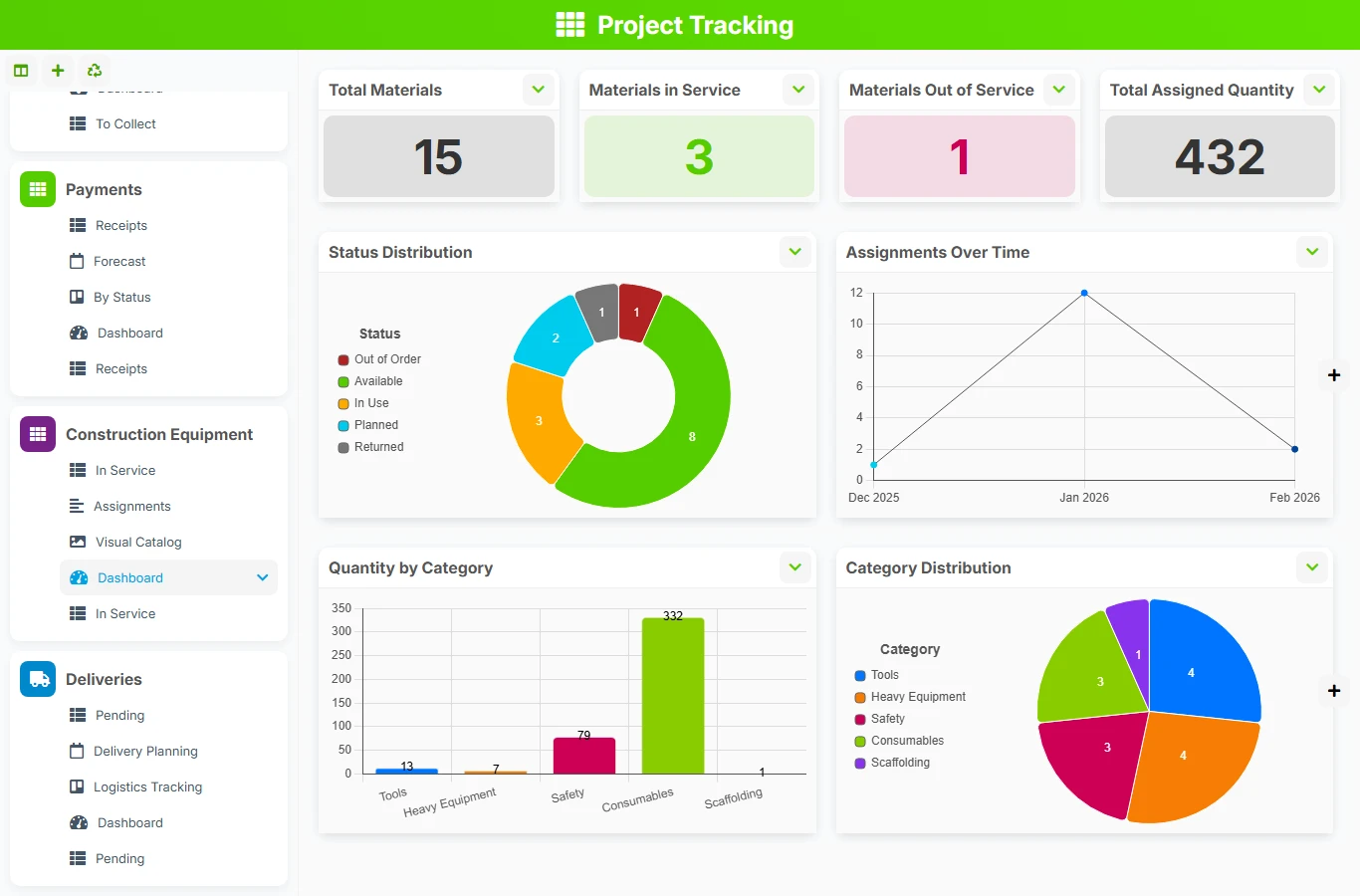
This template avoids separate files, lost exchanges, and incomplete tracking tables. You link each project to its main contact, quotes, invoices, payments, equipment, and deliveries to maintain a reliable view of progress and commitments.
1 click
To install the template
8
ready-to-use forms
100%
Customizable without development
France
Technology and hosting
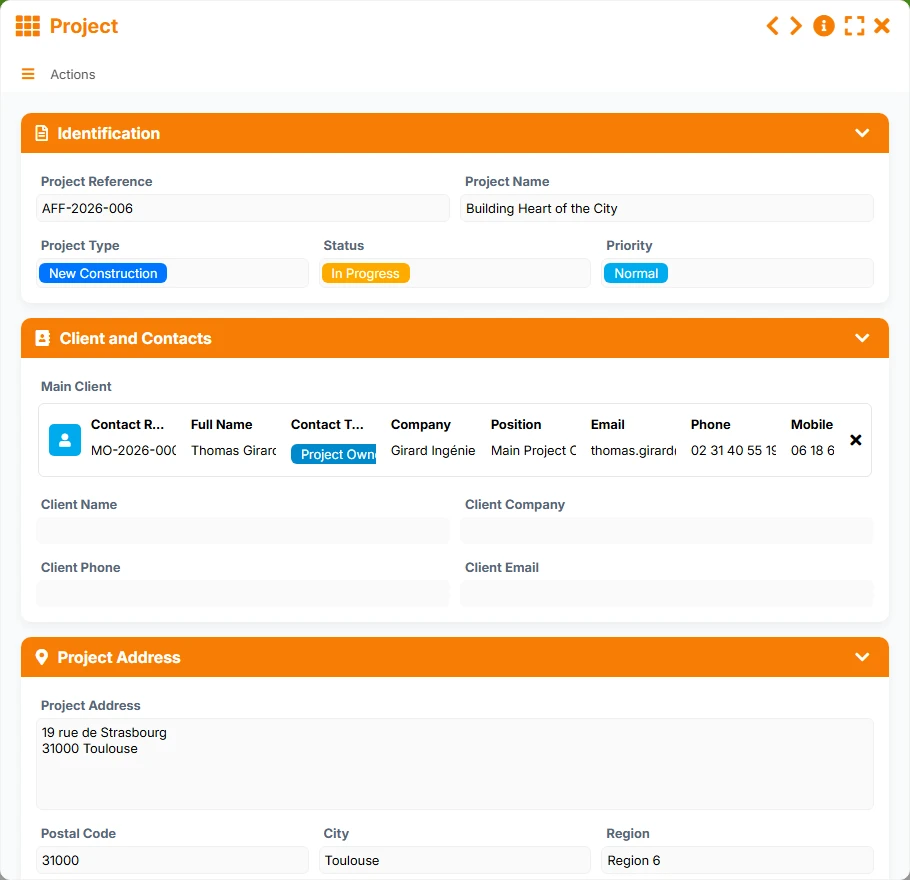
Central file of the project to track identity, main client, dates, amounts, status, and management elements.
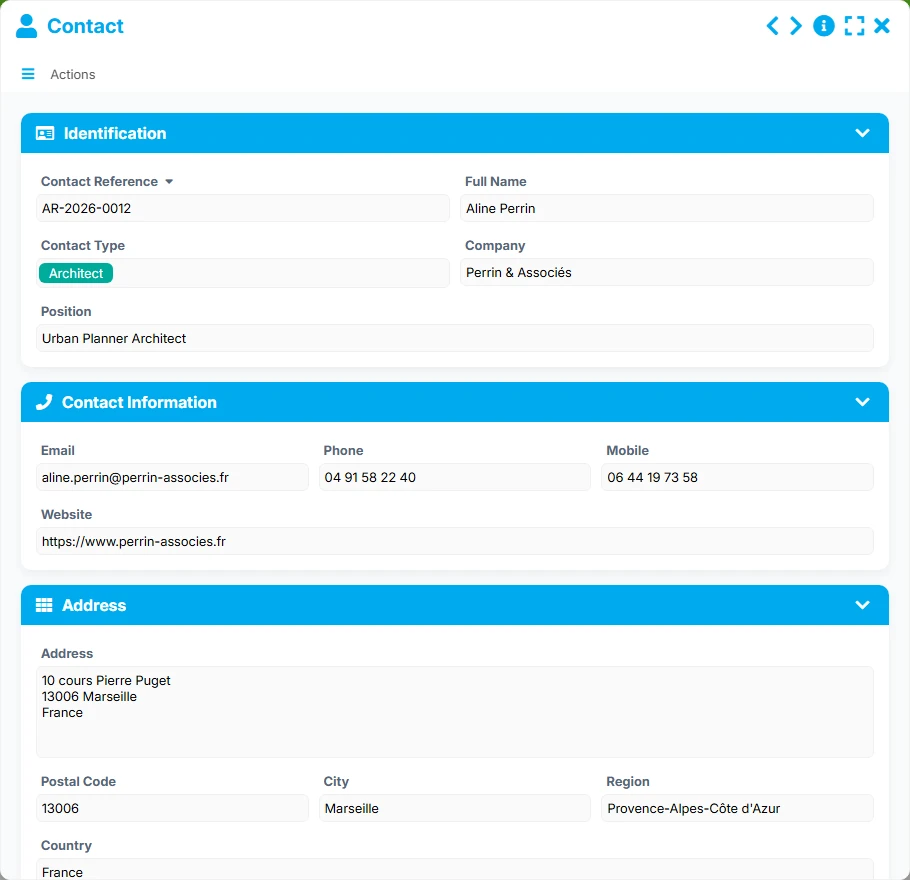
Directory of contacts with their details, company, position, and status.
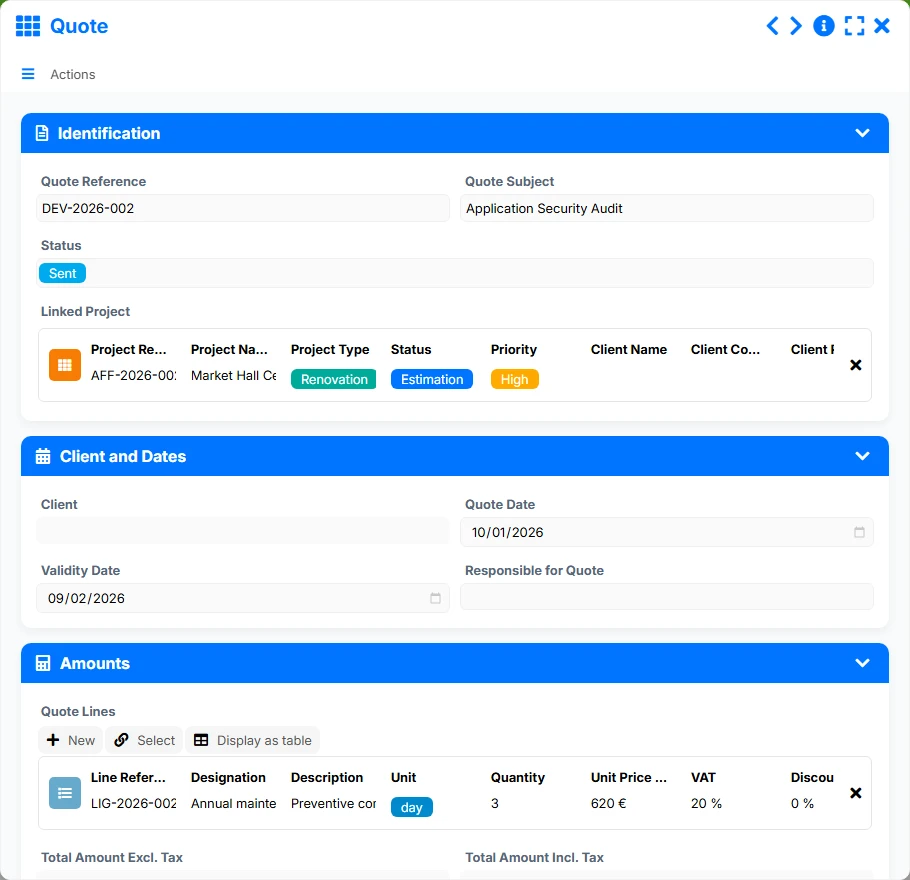
Quoted offers related to a project, with status, dates, responsible person, and amounts.
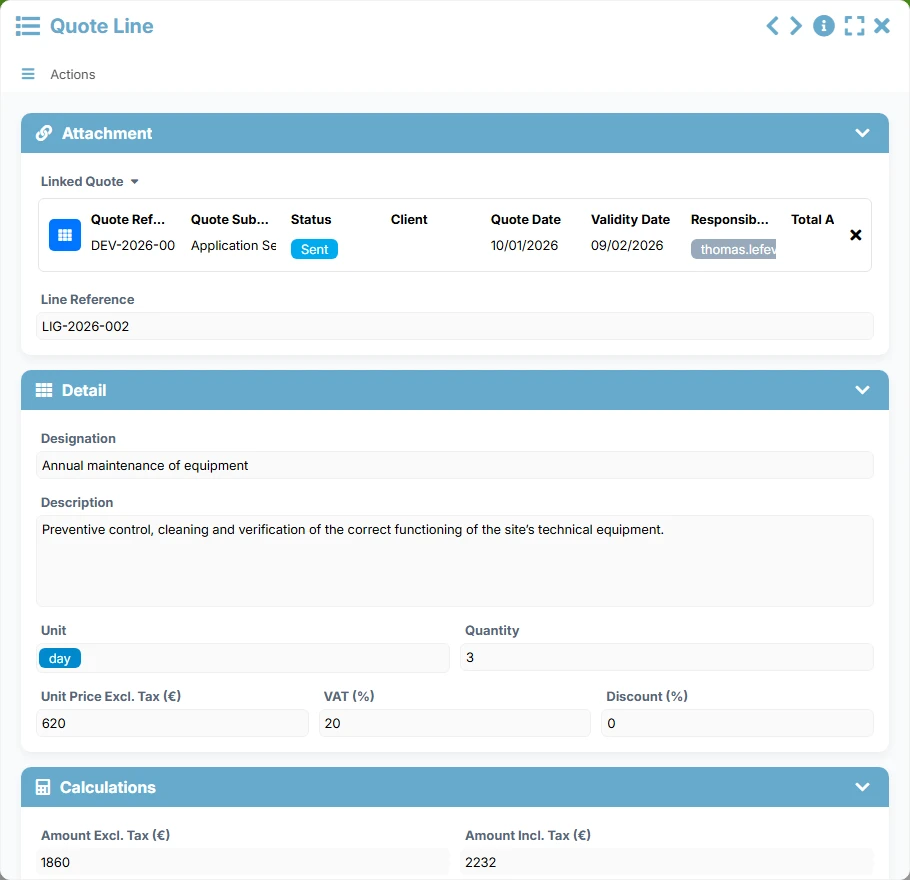
Detailed costing by item, with description, quantity, unit price, VAT, discount, and calculated amount.
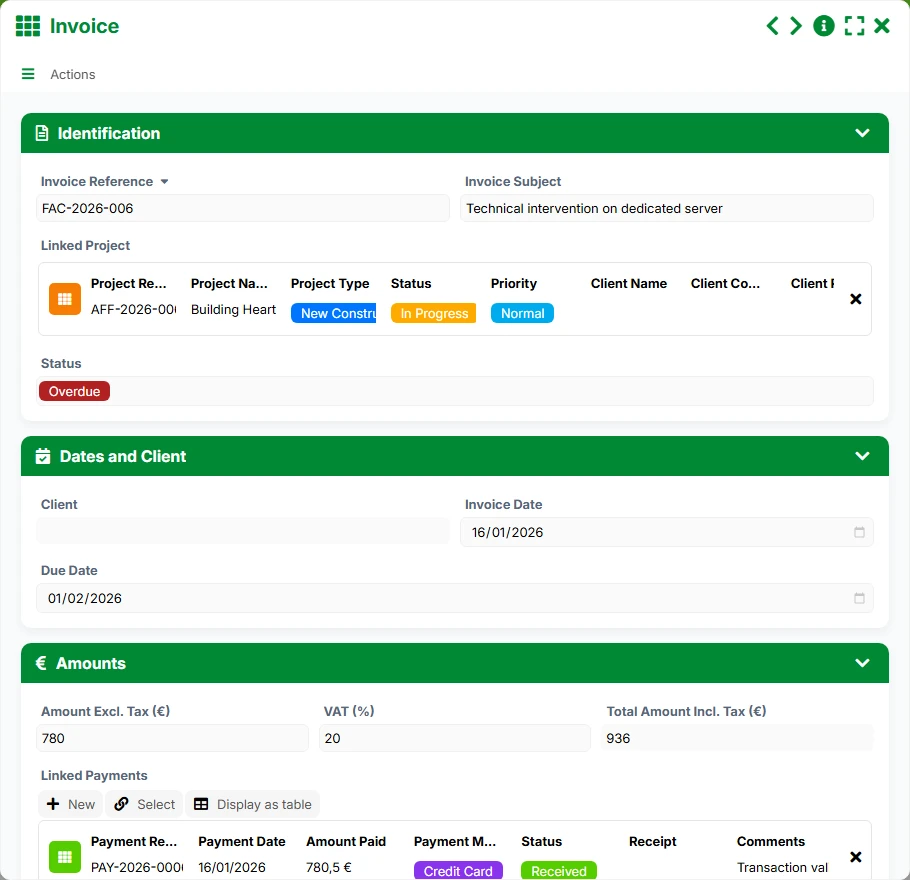
Tracking of project billing with dates, client, amounts, and progress status.
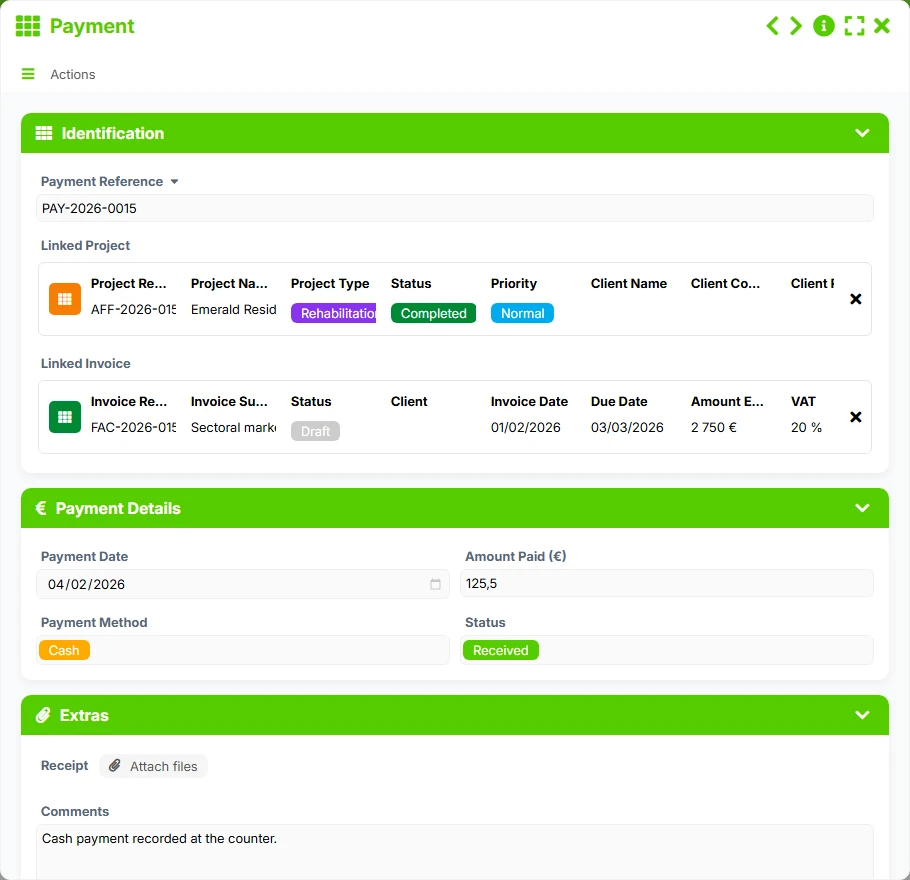
Recording of payments associated with a project and an invoice, with date, amount, method, and proof.
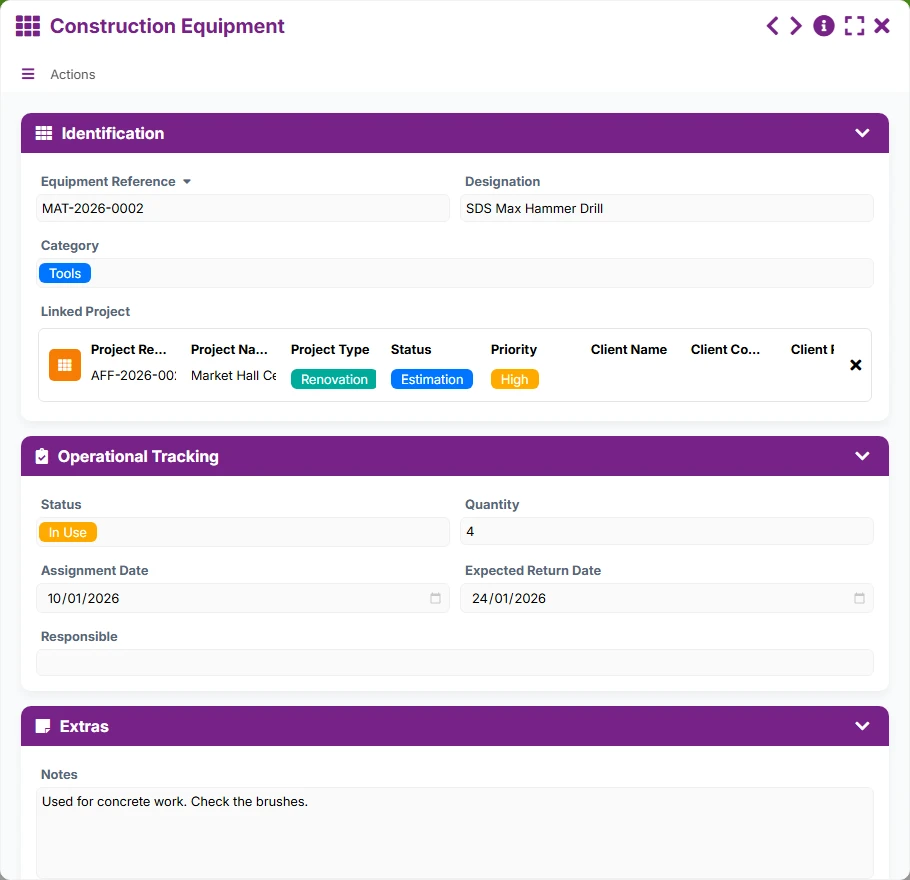
Tracking of equipment assigned to the project, from their status to their assignment and return dates.
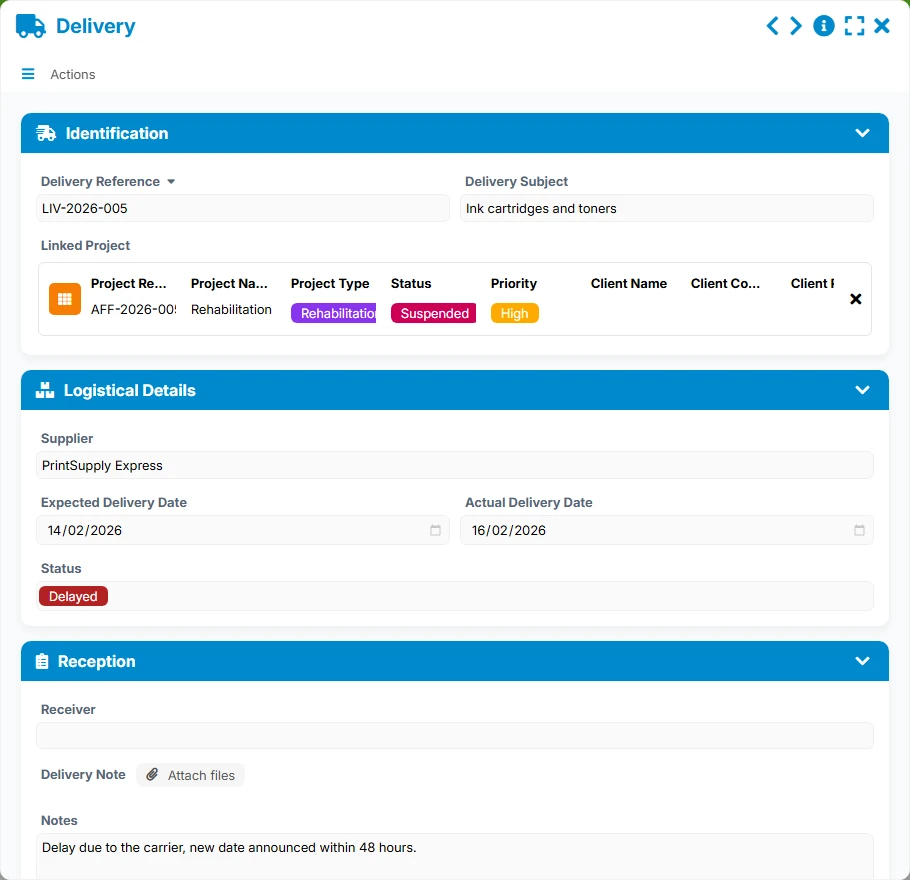
Management of planned and completed deliveries, with supplier, status, recipient, and delivery note.
Each project is managed from a Project sheet that gathers identification, main client, address, key dates, amounts, and tracking documents.
Maintain a contact database linked to projects to quickly find contacts, their details, company, and status.
Prepare commercial offers with their quote lines, quantities, unit prices, VAT, and calculated amounts to ensure reliable costing.
Track invoices related to each project, then link received or planned payments to visualize the actual collection status.
Manage the assigned construction equipment and expected deliveries to coordinate resources, timelines, and site reception.
The template follows a natural operational logic: it starts with the project, links it to the main client, then builds the quote, invoice, payments, and logistical tracking around this same base. The relationships between forms allow for a unique view of the project and manage each step without loss of information.
The user opens a project with its reference, name, type, status, priority, main client, and address and management information. This sheet becomes the central file of the project.
The project is associated with a main contact, allowing you to find the right person, their company, position, and details. The same contact can be linked to multiple projects.
From the project, one or more quotes are created, each containing several quote lines. The lines include descriptions, quantities, unit prices, discounts, and net amounts to secure the costing.
The invoice is linked to the project and then connected to received payments. Tracking views allow you to identify invoices to be collected, upcoming deadlines, and payments already received or planned.
Deliveries and construction equipment are linked to the project to track planned dates, receptions, assignments, returns, and operational statuses. This way, you maintain control over field resources.
All forms offered in the app templates are editable and adjustable to your business, as well as the colors and layouts.
Ideal for structuring project tracking, securing billing, and avoiding oversights between the field, office, and accounting.
Suitable for organizations that need to coordinate multiple projects, teams, contacts, and financial flows in a shared framework.
Relevant for tracking operations, deliveries, and budget commitments with clear traceability.
Yes. Projects are linked to quotes, invoices, and payments, allowing you to track the project from costing to collection.
Yes. The relationship between the project and quotes, invoices, payments, equipment, and deliveries is designed as one-to-many.
The Quote form is completed by Quote Lines, allowing you to detail each item, its quantities, and amounts.
The Pipeline, Project Planning, Follow-up, To Collect, Pending, and dashboard views provide a quick overview of priorities, deadlines, and delays.
Yes. The Construction Equipment and Delivery forms are linked to the project to track assignments, planned dates, statuses, and reception.
Start with a ready-to-use structure to manage your projects, quotes, invoices, payments, equipment, and deliveries, then customize fields and views according to your working methods.
Here is what our clients say
Companies of all sizes and sectors that have optimized their operations with Airprocess



























