1 click
To install the template

Contact tracking
Manage your contacts, log each call, and maintain a reliable view of follow-ups to be made. This AirProcess template helps your teams track relationships over time, prioritize actions, and ensure no exchange goes unanswered.
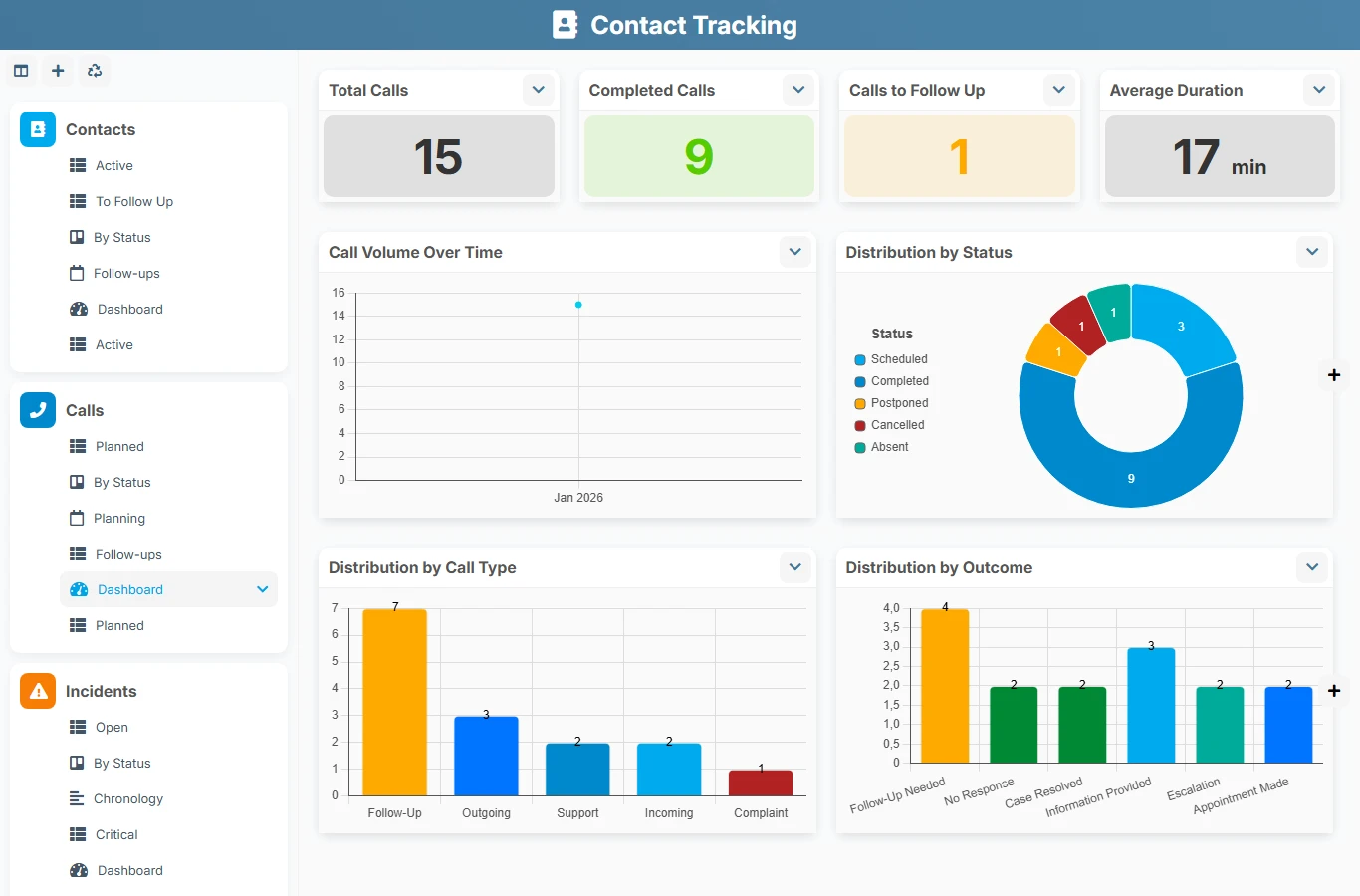
When exchanges are scattered across emails, files, or personal calendars, it becomes difficult to know who spoke to whom, when to follow up with a contact, and what the next step is. This template structures contact tracking around a centralized record and linked call history, making relationships clearer, more responsive, and more reliable.
1 click
To install the template
2
ready-to-use forms
100%
Customizable without development
France
Technology and hosting
Central record to manage identity, status, contact details, relationship tracking, and the list of associated calls.
Exchange log to plan, conduct, and document calls, with a link to the relevant contact.
Keep essential information on each contact: identity, contact details, organization, role, source, status, priority, and tracking data.
Each contact can be linked to multiple calls, allowing you to find the subject, status, date, duration, and summary of each exchange.
Manage upcoming actions with follow-up dates, responsibilities, and statuses to maintain a consistent follow-up rhythm.
Work in list, kanban, calendar, or dashboard formats to track active contacts, calls to be made, and priority follow-ups.
Analyze the volume of contacts, completed calls, contacts to follow up, and activity trends to better organize your commercial or relational actions.
The template organizes work around a central contact record, then linked calls that document each interaction. The views then allow you to control follow-ups, track activity, and prioritize upcoming exchanges.
Fill in the identity, contact details, organization, status, priority, and useful information to qualify the contact from the start.
Complete the tracking fields to know where the contact comes from, who manages it, and at what priority level it should be treated.
Create a call from the relevant contact, then document the subject, call type, date, time, duration, status, and summary.
Associate a follow-up date with the contact or call to prepare the next contact and avoid forgotten follow-ups.
Use status views, calendars, and dashboards to see what needs to be followed up, what has been completed, and where activity is concentrated.
All forms offered in the app templates are editable and adjustable to your business, as well as the colors and layouts.
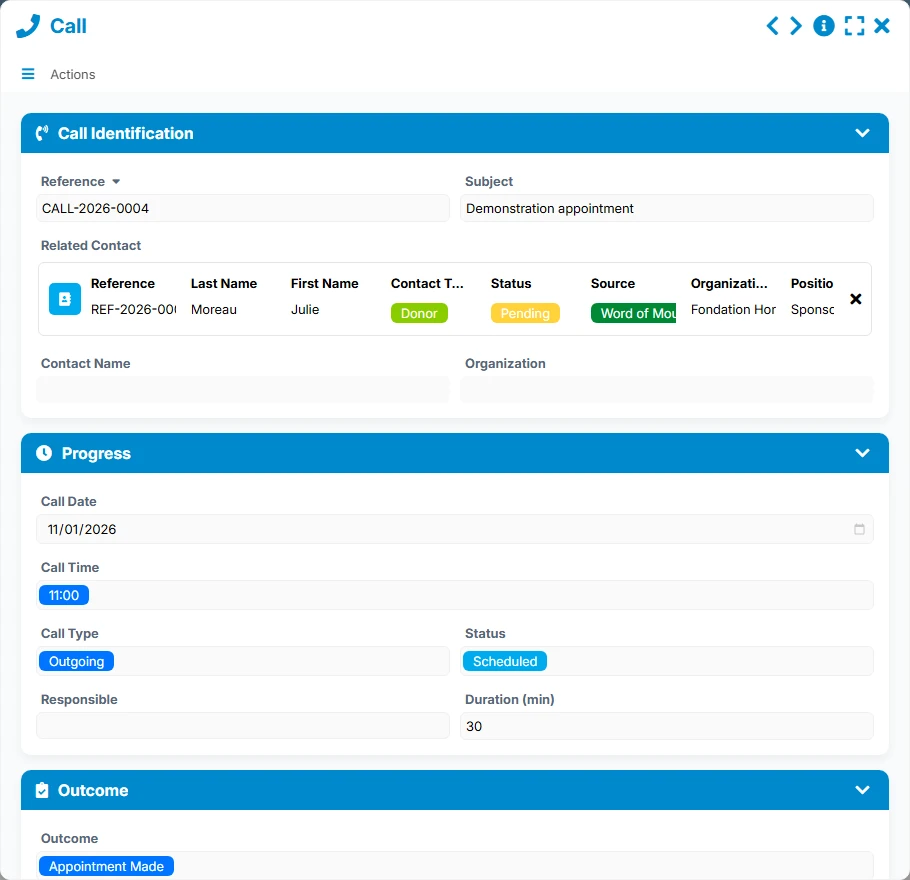
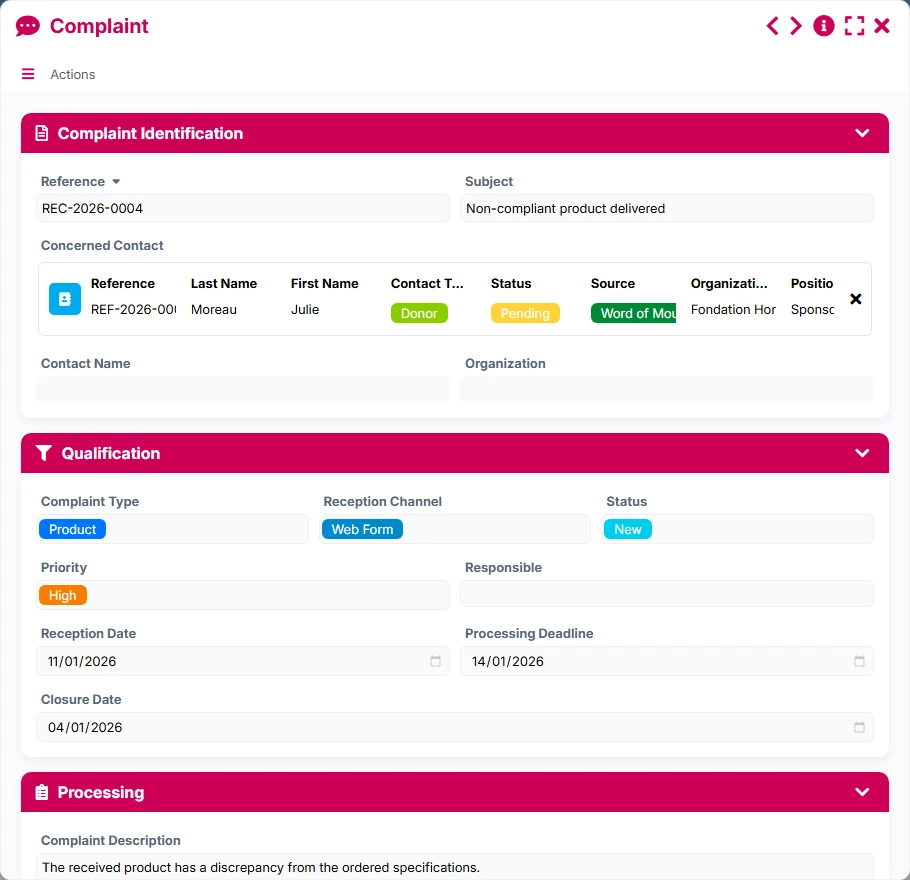
Centralize client, prospect, or partner exchanges in a lightweight tool, without relying on multiple files.
Provide multiple teams with a shared view of contacts, calls, and follow-ups to avoid duplicates.
Track contacts, exchanges, and reminders with clear traceability and a consolidated view.
Organize relationship tracking with members, volunteers, partners, or donors, while keeping a history of exchanges.
Yes. The relationship is designed so that a contact can reference multiple calls, allowing for a complete history of exchanges.
Yes. The views dedicated to follow-ups allow for quick identification of contacts or calls to be resumed based on the scheduled date and status.
Yes. The tracking fields and views display useful information to identify the responsible person and prioritize processing.
Absolutely. It is suitable for both commercial tracking and tracking of partnership, associative, or institutional relationships.
Yes. They highlight indicators such as the total number of contacts, active contacts, completed calls, unanswered calls, follow-ups, and volumes over time.
Start with a ready-to-use structure to centralize your contacts, log your calls, and organize your follow-ups. Then adapt the fields, views, and uses to your way of working.
Here is what our clients say
Companies of all sizes and sectors that have optimized their operations with Airprocess



























