1 click
To install the template

Customer Tracking
This AirProcess template brings together clients, opportunities, quotes, invoices, and tickets in a single application to manage sales, secure administrative follow-up, and better handle support requests.
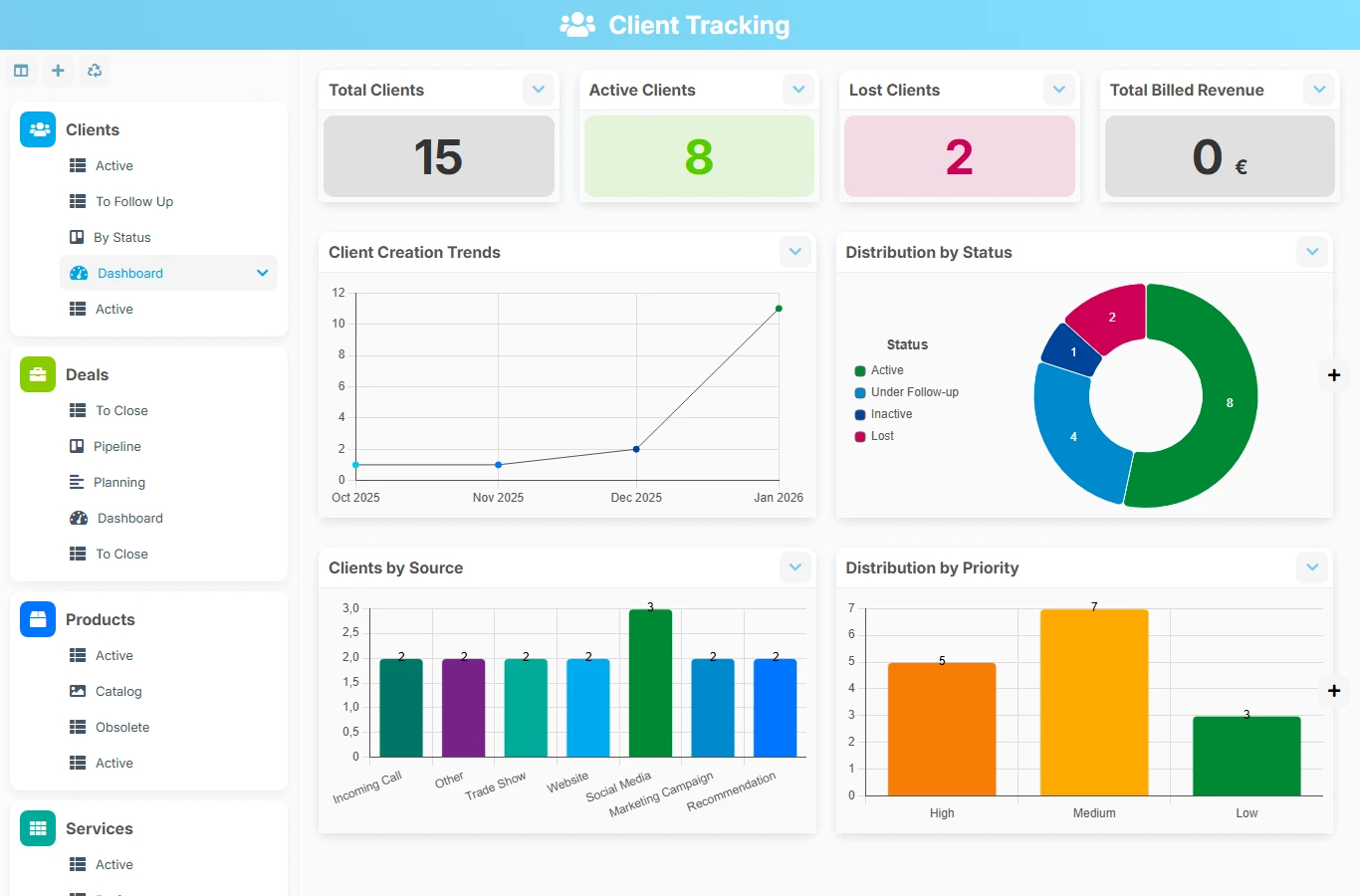
When customer information is scattered across spreadsheets, emails, and separate tools, follow-ups get lost, quotes go unanswered, and tickets become harder to prioritize. This template creates a single base to track commercial activity, billing, and customer service with direct links between each step.
1 click
To install the template
5
ready-to-use forms
100%
Customizable without development
France
Technology and hosting
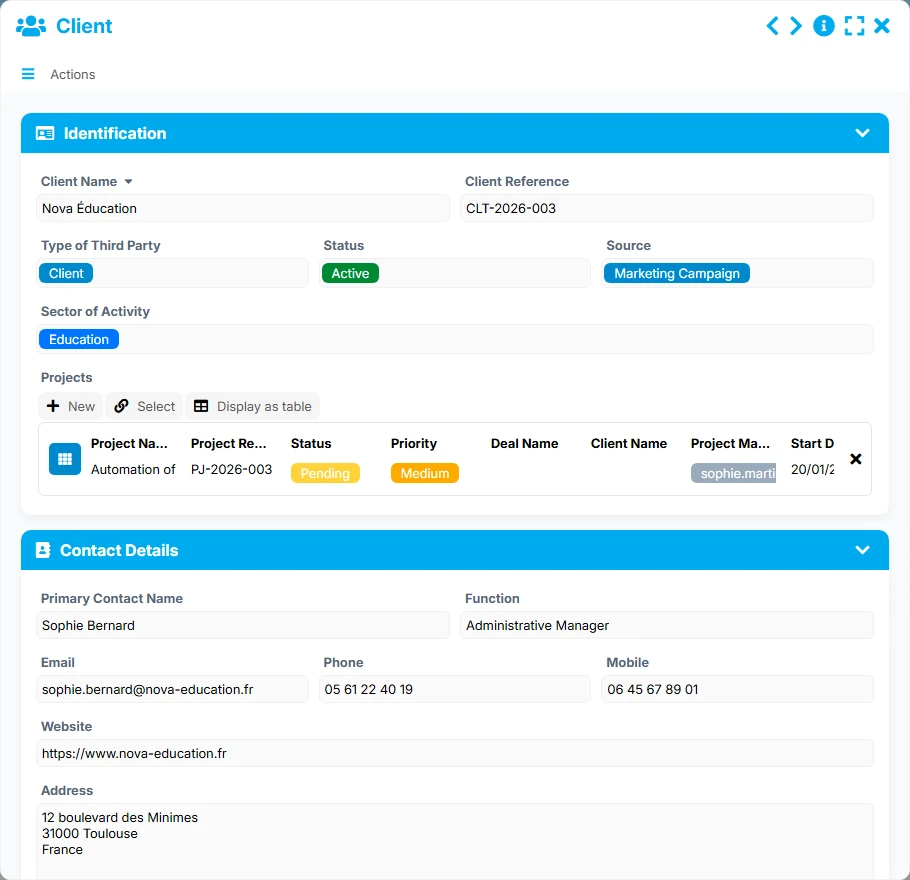
Central account file with identification, contact details, business relationship, and interaction tracking.
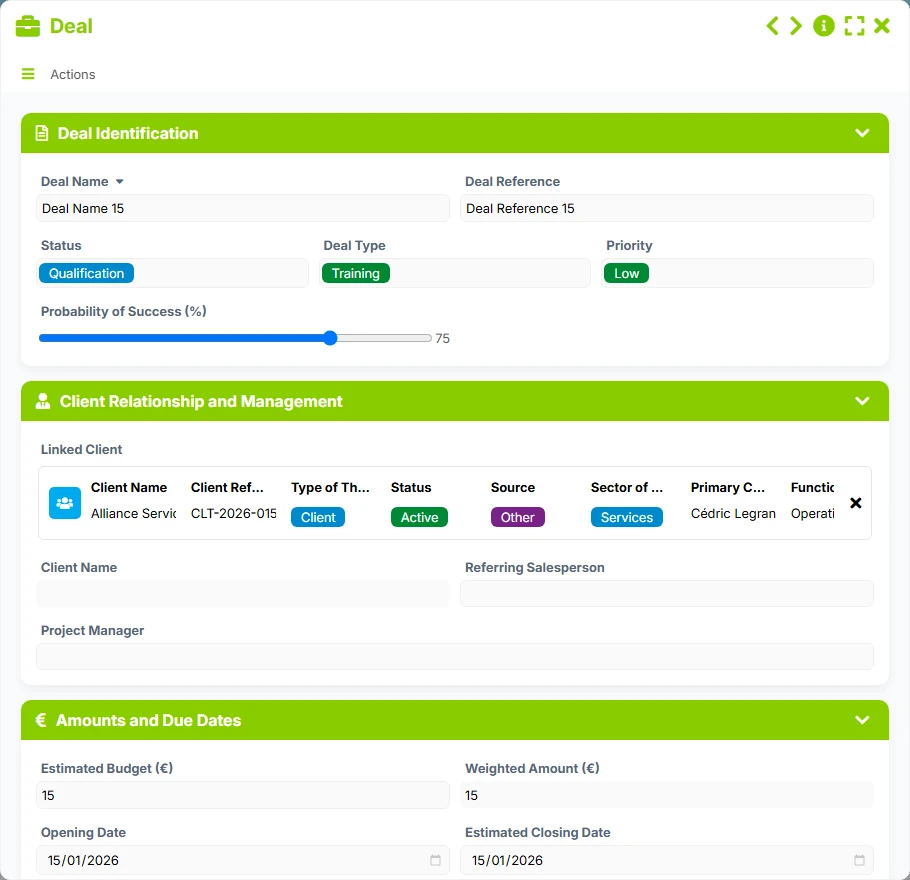
Business opportunity to qualify and track with responsible person, priority, probability, and closing dates.
Commercial proposal related to the client, with status, salesperson, issue, expiration, and validation dates.
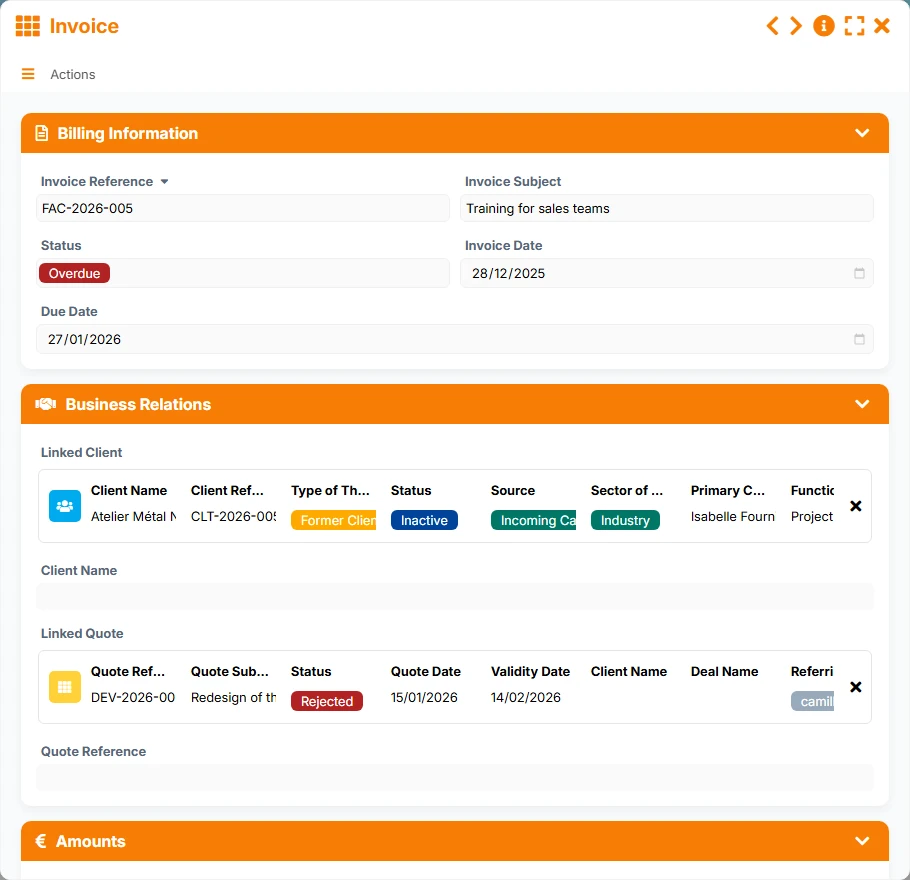
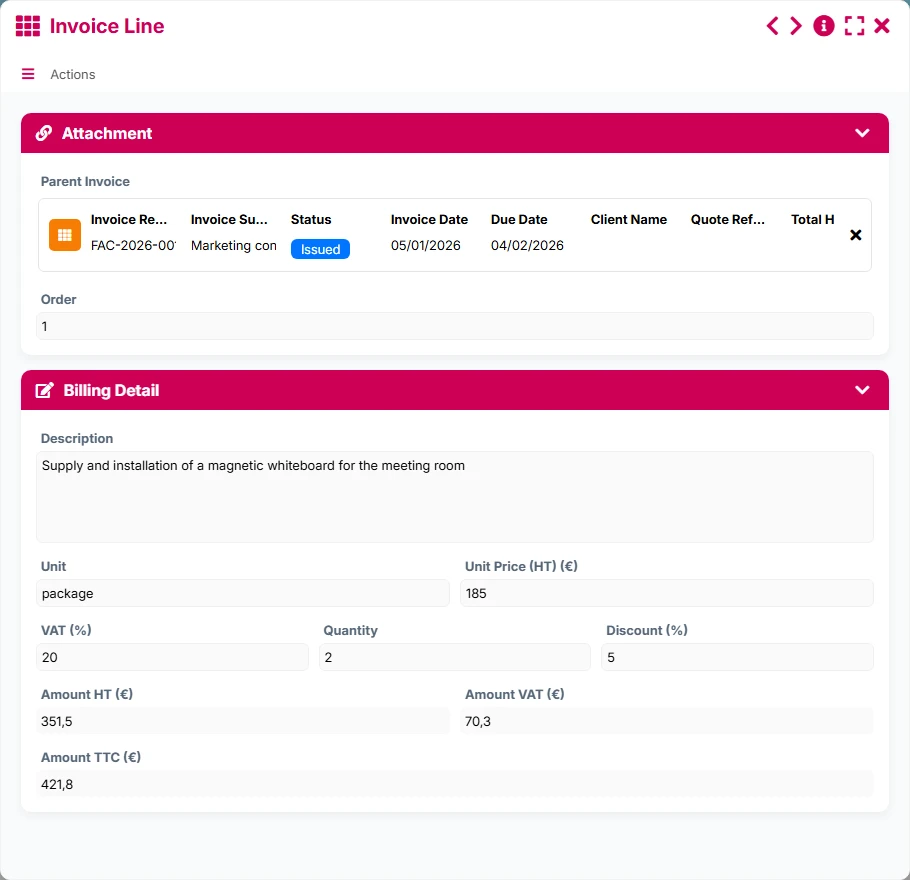
Billing document linked to the client, with reference, number, status, and amounts excluding tax, VAT, and including tax.
Customer request or incident to be processed, with subject, category, priority, status, dates, and assignment.
Keep identification information, contact details, status, client type, and useful tracking markers in a single folder.
Manage opportunities with their responsible person, priority, probability, and planned or actual closing dates to maintain a clear view of the pipeline.
Prepare, send, and track quotes by linking them to the right client, with issue, expiration, and validation dates to measure progress.
Monitor invoices, their amounts excluding tax, VAT, and including tax, as well as their status to quickly identify outstanding payments and delays.
Structure the handling of customer requests with subject, category, priority, assignment, opening and resolution dates, then link each ticket to the right client.
The template follows a client account logic: first, the client file is created, then opportunities, quotes, invoices, and tickets are linked. List views, follow-ups, qualification, and dashboard views then allow daily activity management.
Each client is recorded with their basic information, status, contact details, and company. This file becomes the anchor point for all operations related to the account.
Opportunities are linked to the client to track commercial progress, assign a responsible person, estimate the probability of success, and manage deadlines.
Quotes are created from the relevant client, then tracked according to their status, expiration date, and validation to follow up on responses at the right time.
Once the offer is validated, invoices remain linked to the client to control amounts, distinguish documents to be settled, and identify payment delays.
Tickets are associated with the client to qualify the request, assign an agent, track resolution, and measure satisfaction, without losing the context of the file.
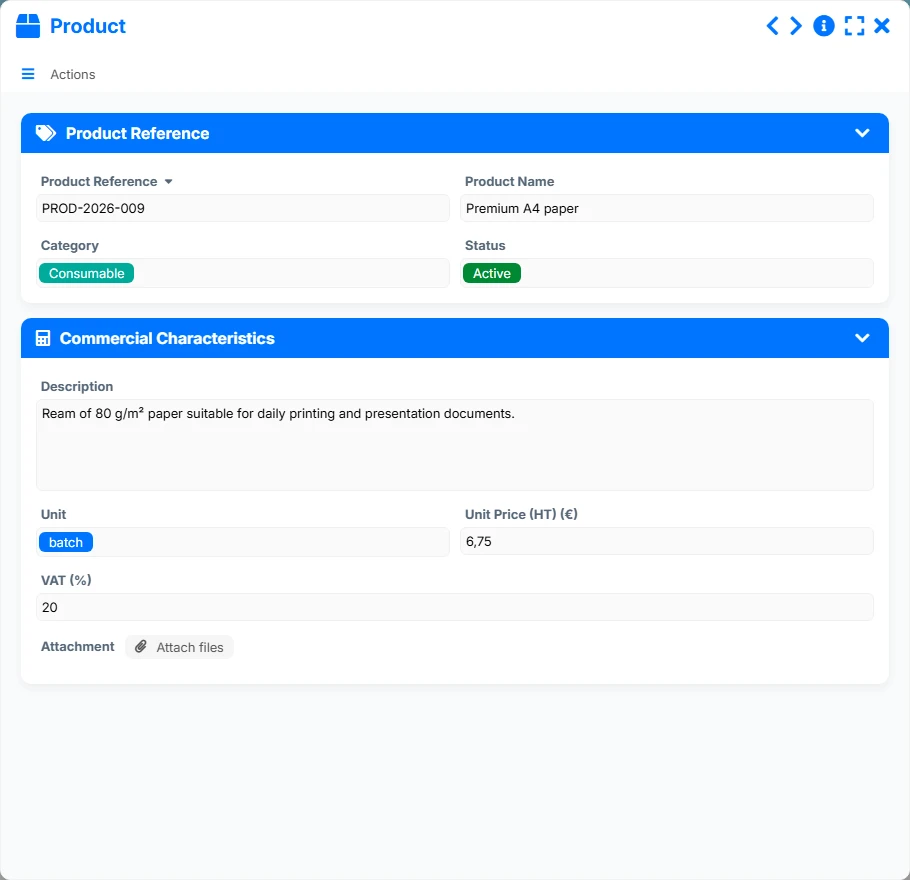
All forms offered in the app templates are editable and adjustable to your business, as well as the colors and layouts.
Ideal for structuring a simple yet reliable customer follow-up, without multiplying tools or losing information between sales and support.
Convenient for coordinating multiple contacts, securing follow-ups, and maintaining a shared view of business, quotes, invoices, and tickets.
Suitable for tracking files and requests with clear traceability of exchanges, validations, and deadlines.
Useful for centralizing contacts, commitments, tracking documents, and support requests in a single database.
Yes. Customers are at the center of the template, and you can link opportunities, quotes, invoices, and tickets to them to track the entire relationship in one space.
Yes. The template provides a direct link between client, quote, and invoice to easily retrieve the commercial and administrative history of an account.
Yes. The views To Follow Up, Awaiting Response, Overdue, or To Settle help identify clients, quotes, and invoices that require immediate action.
Yes. Each ticket is linked to a client to maintain the context of the request, track resolution, and measure satisfaction.
Yes. Each form has a dashboard to visualize volumes, statuses, trends, and critical items such as at-risk clients, pending quotes, or overdue invoices.
Yes. Like any AirProcess template, it can be customized with your fields, views, management rules, and automations according to your way of working.
Install this template to bring together your clients, opportunities, quotes, invoices, and tickets in a single application, then adapt it to your business processes and customer service.
Here is what our clients say
Companies of all sizes and sectors that have optimized their operations with Airprocess



























