1 click
To install the template

Document Management
Organize contracts, procedures, technical sheets, audit reports, CVs, employment contracts, and payslips in a clear application, with precise tracking of statuses, revisions, and deadlines.
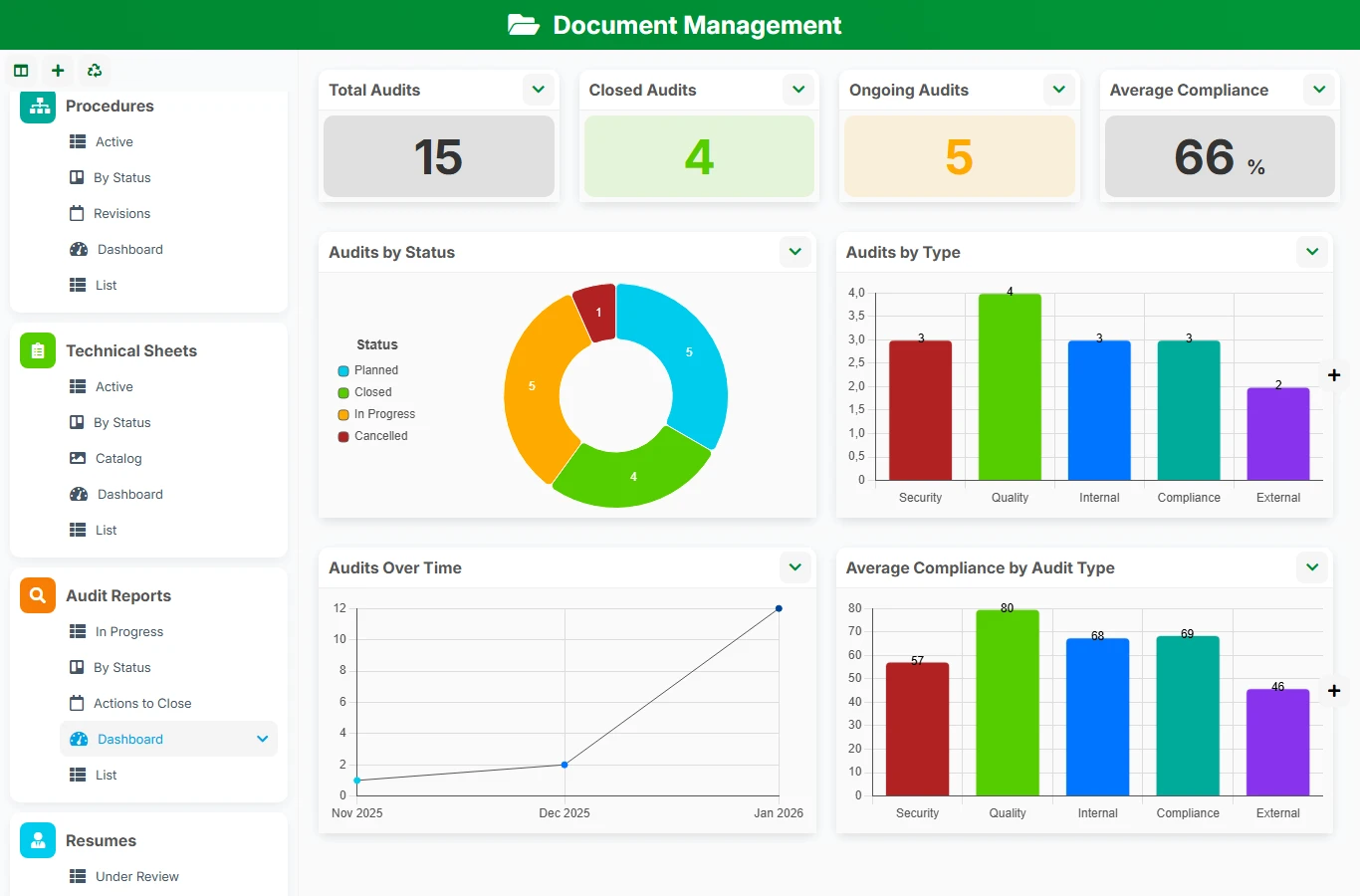
This AirProcess template avoids lost versions, inconsistent classifications, and validations followed by email. You gain a unique space to quickly find a document, check its status, track its expiration date, and link each piece to the right business object.
1 click
To install the template
8
ready-to-use forms
100%
Customizable without development
France
Technology and hosting
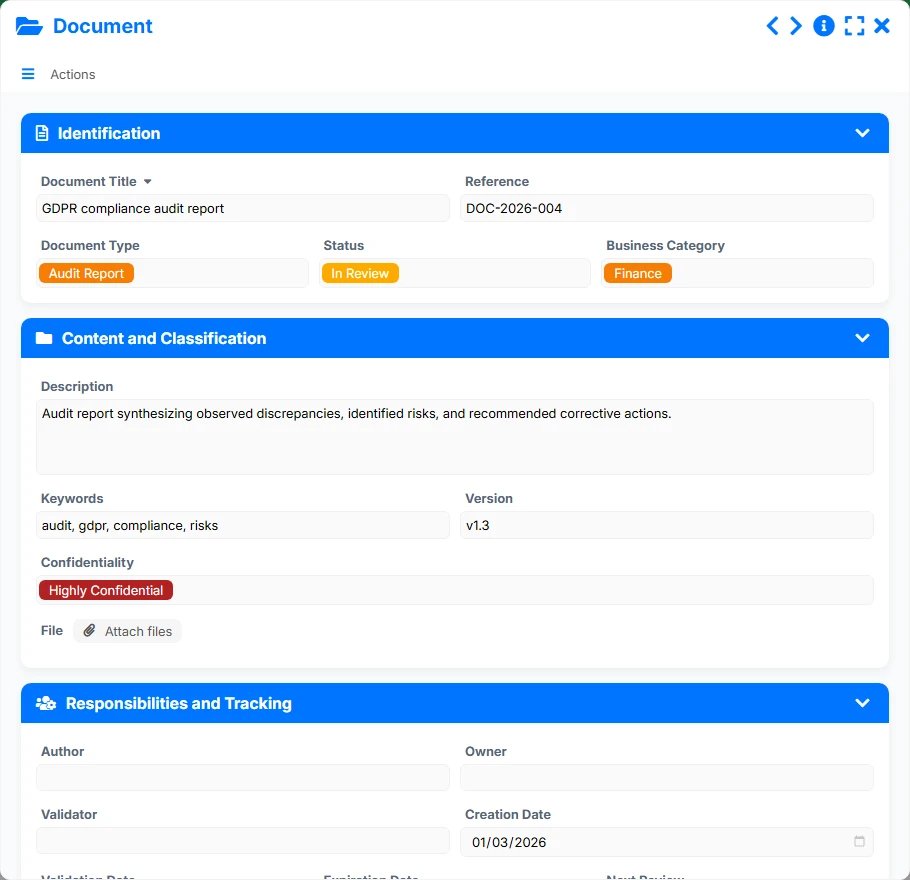
Central file to describe, classify, secure, and link each business document.
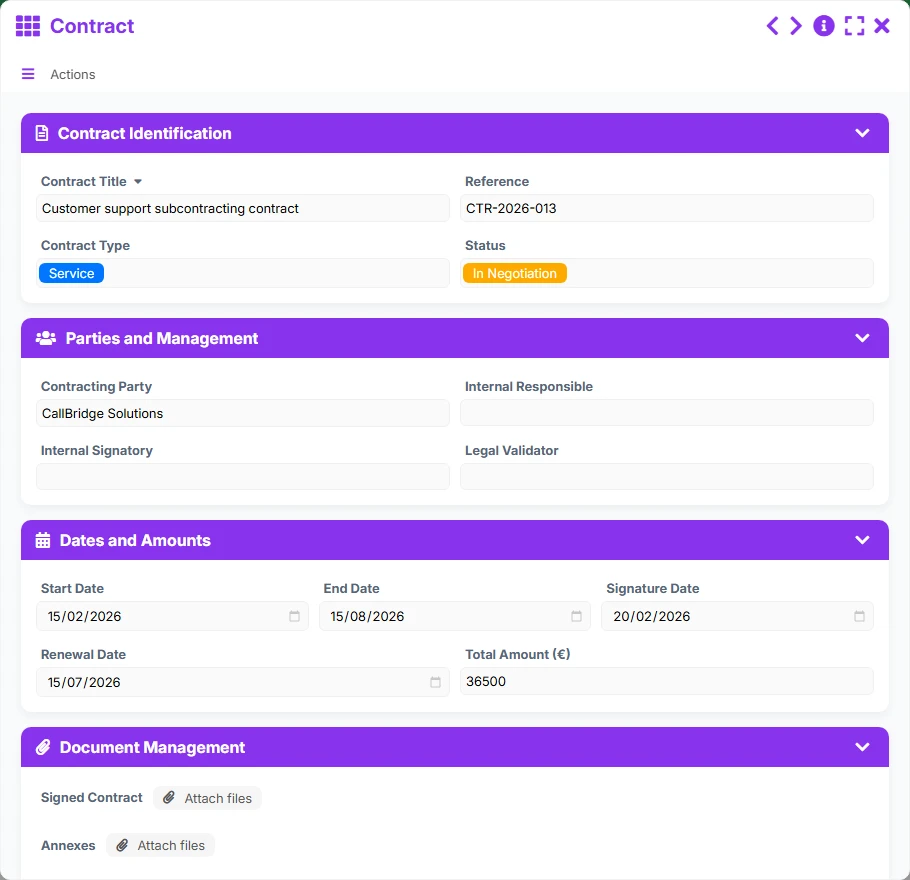
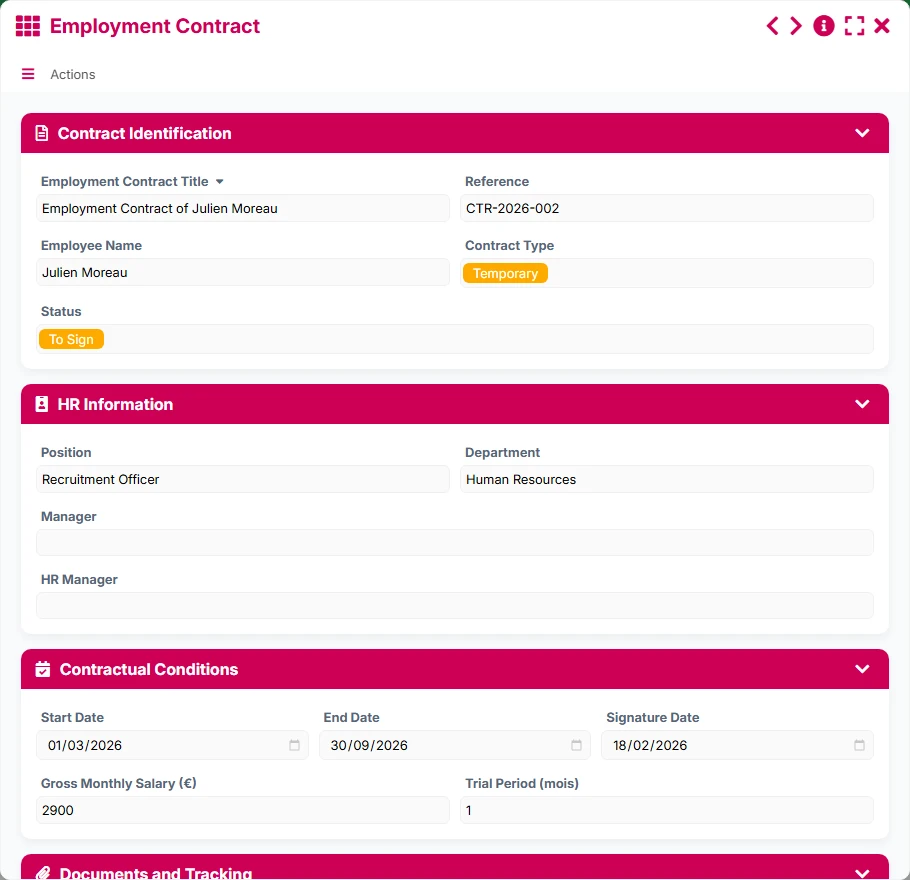
Support for contractual tracking with its parties, dates, amounts, and associated documents.
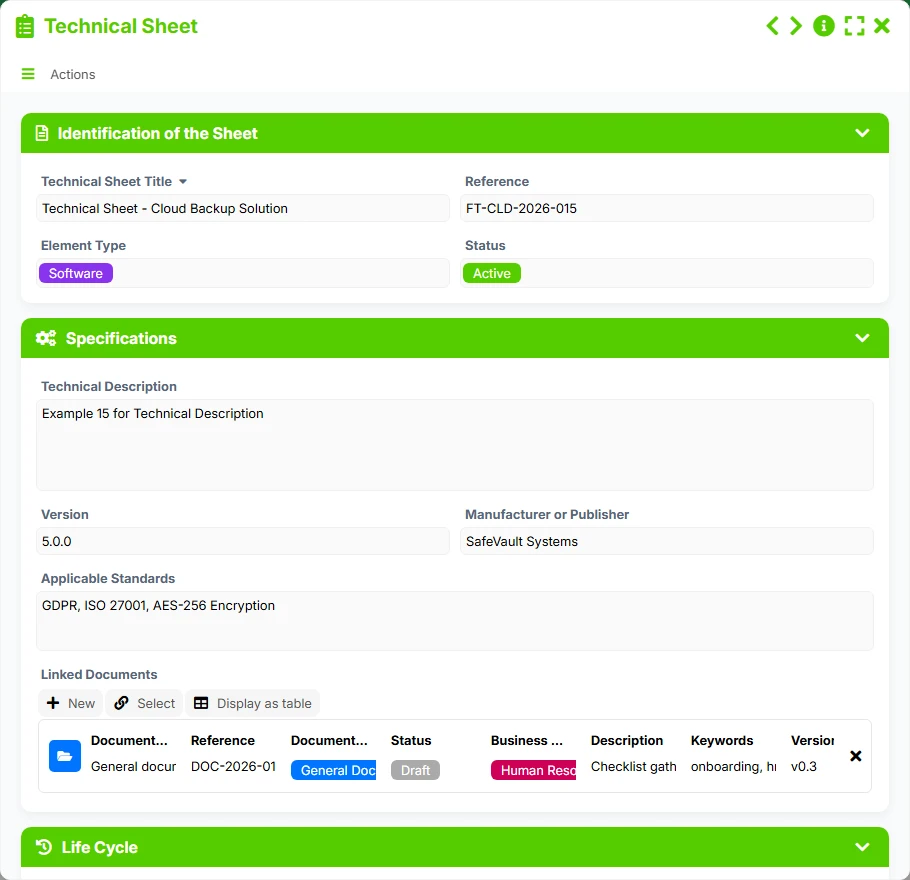
Reference for specifications, versions, applicable standards, and related documents.
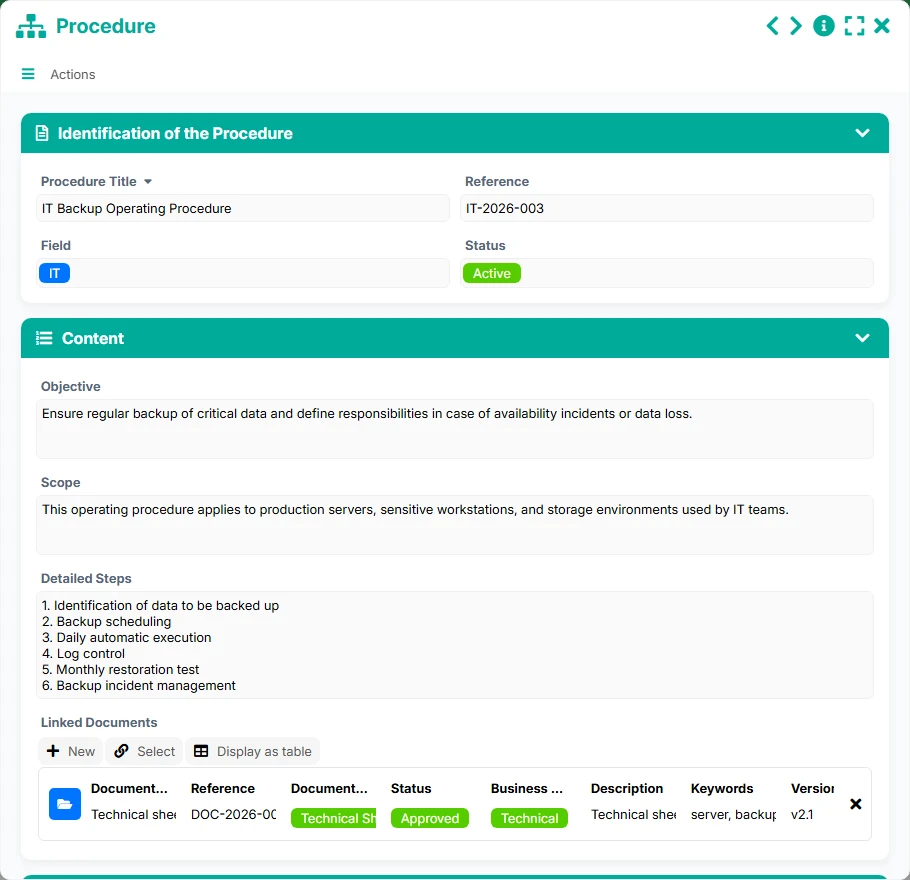
Reference framework for documenting a process, its steps, and its revisions.
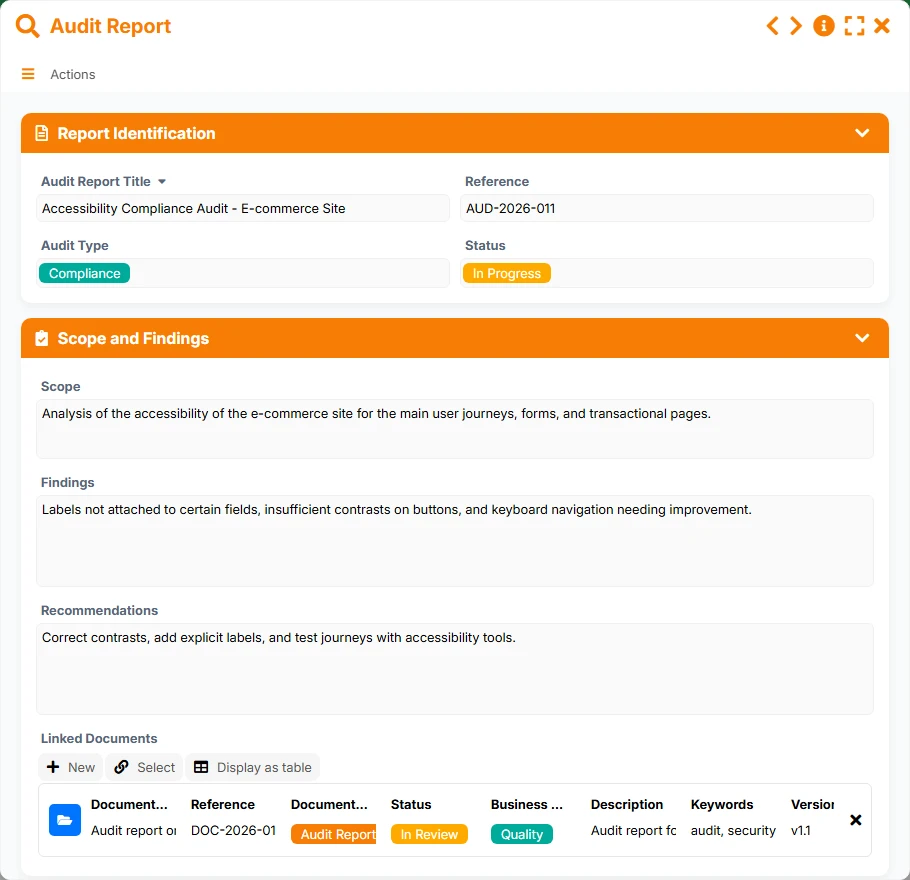
Traceability of audits, findings, recommendations, and supporting documents.
HR file to track employee contracts, effective dates, and contractual documents.
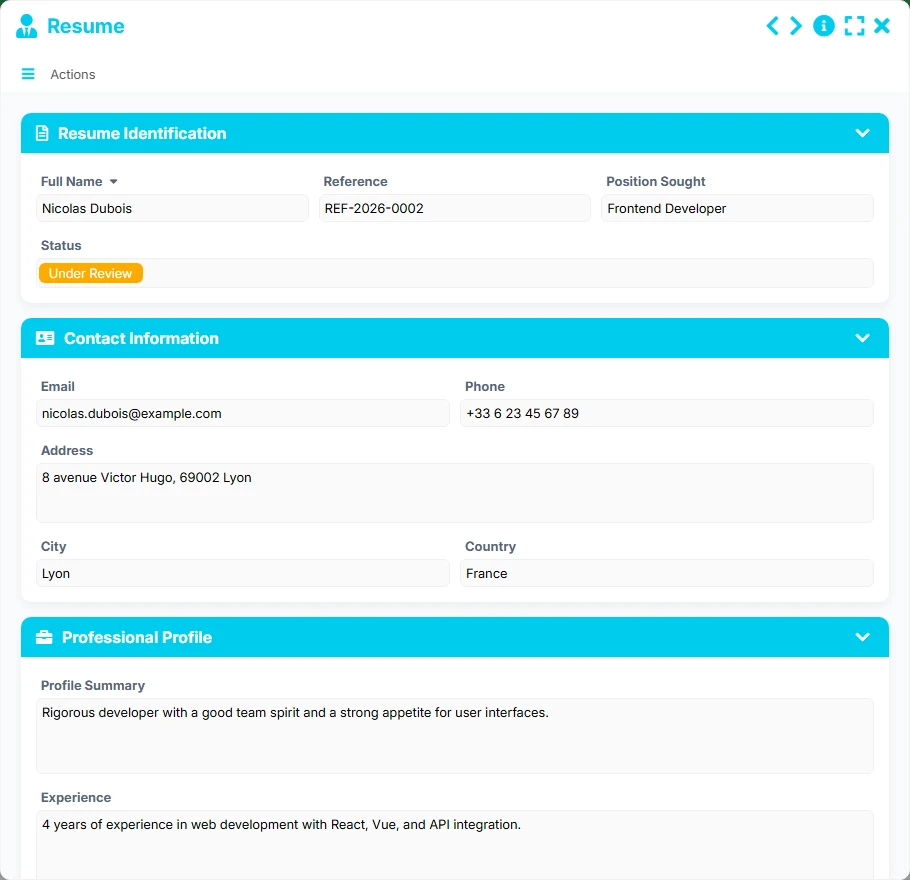
Tracking applications and profiles to centralize recruitment files.
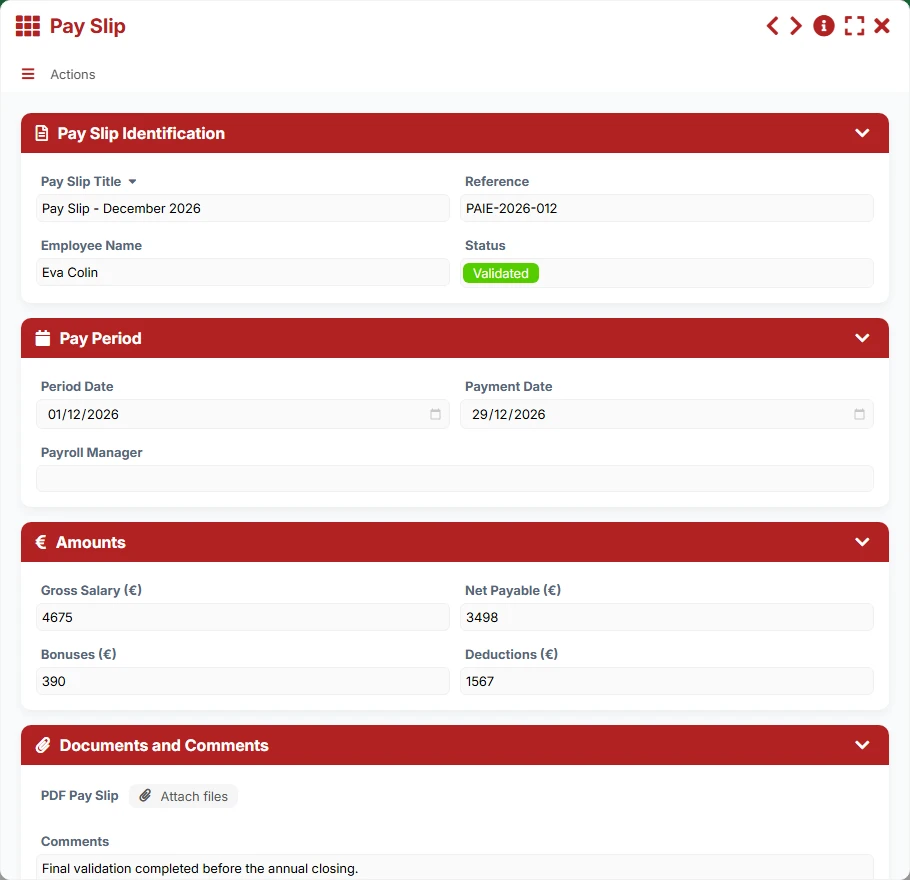
Management of payslips, pay periods, and payments with their associated documents.
Manage documents with a reference, type, business category, keywords, version, confidentiality level, and an attached file.
Manage statuses, validation dates, upcoming revisions, expiration dates, and priority items to address.
Attach each document to a contract, procedure, technical sheet, or audit report to maintain operational context.
Also cover employment contracts, CVs, and payslips in a structured and secure HR tracking logic.
Leverage lists, kanbans, calendars, timelines, and dashboards to track revisions, signatures, actions, and deadlines.
The template relies on a simple logic: you first create the reference object, then you attach the associated documents. The views then allow you to control statuses, deadlines, revisions, and ongoing actions, without losing the relationship between the document and the business process.
The structure begins with the business entity that serves as an anchor point. The management fields and associated views then allow you to track its progress.
Each document is described with classification and governance information to facilitate searching, validation, and controlled sharing.
The document becomes usable in its real context: a contract groups several documents, a procedure can centralize its pieces, a technical sheet consolidates its documentation, and an audit gathers its evidence.
List, calendar, kanban, and timeline views help identify documents under revision, contracts to renew, procedures to review, or audit actions to close.
Synthetic indicators provide a clear reading of the volume of documents, statuses, ongoing revisions, and sensitive items to prioritize.
All forms offered in the app templates are editable and adjustable to your business, as well as the colors and layouts.
Structure your documents without multiplying shared folders, randomly named files, and manual reminders.
Standardize document management across departments, sites, and businesses with consistent tracking rules.
Organize procedures, contracts, audits, and HR documents with a logic of traceability and compliance.
Keep supporting documents, procedures, HR files, and governance documents in a shared and readable space.
Yes. The Document form serves as a common foundation, while the other forms cover specific business uses such as contracts, procedures, audits, HR files, CVs, and payroll.
Each document can be associated with a contract, procedure, technical sheet, or audit report through dedicated link fields. This allows finding the pieces in their operational context.
Yes. The available views highlight documents under revision, upcoming revisions, contracts with deadlines, as well as actions or validations to address.
Yes. It is particularly suited for tracking procedures, technical sheets, audits, and sensitive documents with clear control of statuses, validity, and responsibilities.
Yes. The Employment Contract, CV, and Payslip forms provide a useful basis for centralizing HR files and tracking validation or payment steps.
Yes. Lists facilitate quick searches, kanbans provide a status overview, calendars show deadlines, timelines visualize milestones, and dashboards synthesize activity.
Start with an already organized template to centralize your business documents, secure your tracking, and link each piece to its correct process. Then, adapt the fields, views, and rules to your practices without starting from scratch.
Here is what our clients say
Companies of all sizes and sectors that have optimized their operations with Airprocess



























