1 click
To install the model

Fleet Management
Centralize the management of your fleet in a ready-to-use no-code application to track vehicles, secure contracts, plan repairs, trace incidents, and maintain a fleet that is available, compliant, and controlled.
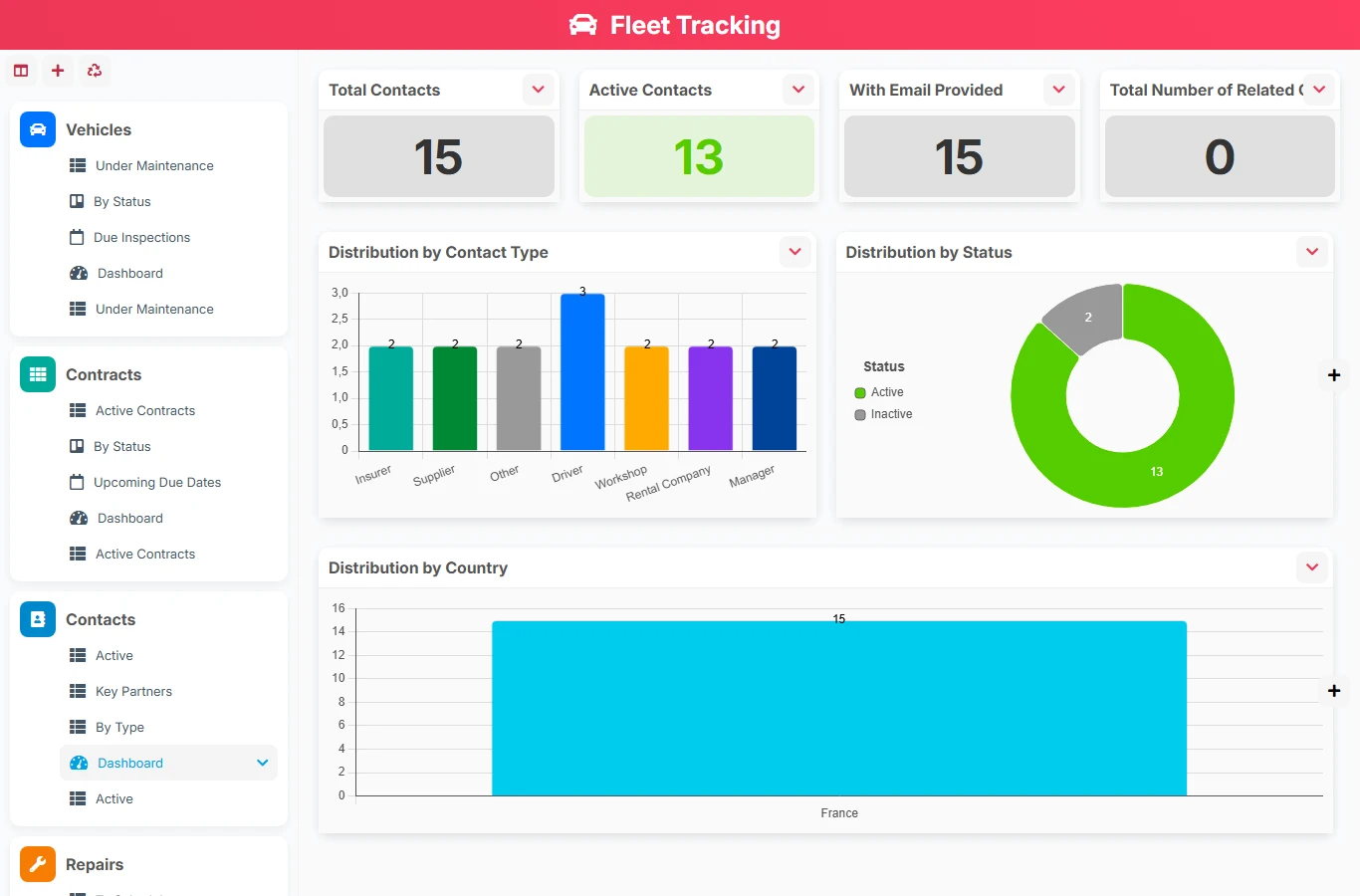
When fleet tracking relies on Excel spreadsheets, emails, and shared folders, deadlines can be easily lost. This model gathers vehicles, contacts, contracts, repairs, interventions, and incidents in a connected structure to ensure reliable operational tracking and reduce downtimes.
1 click
To install the model
7
ready-to-use forms
100%
Customizable without development
France
Technology and hosting
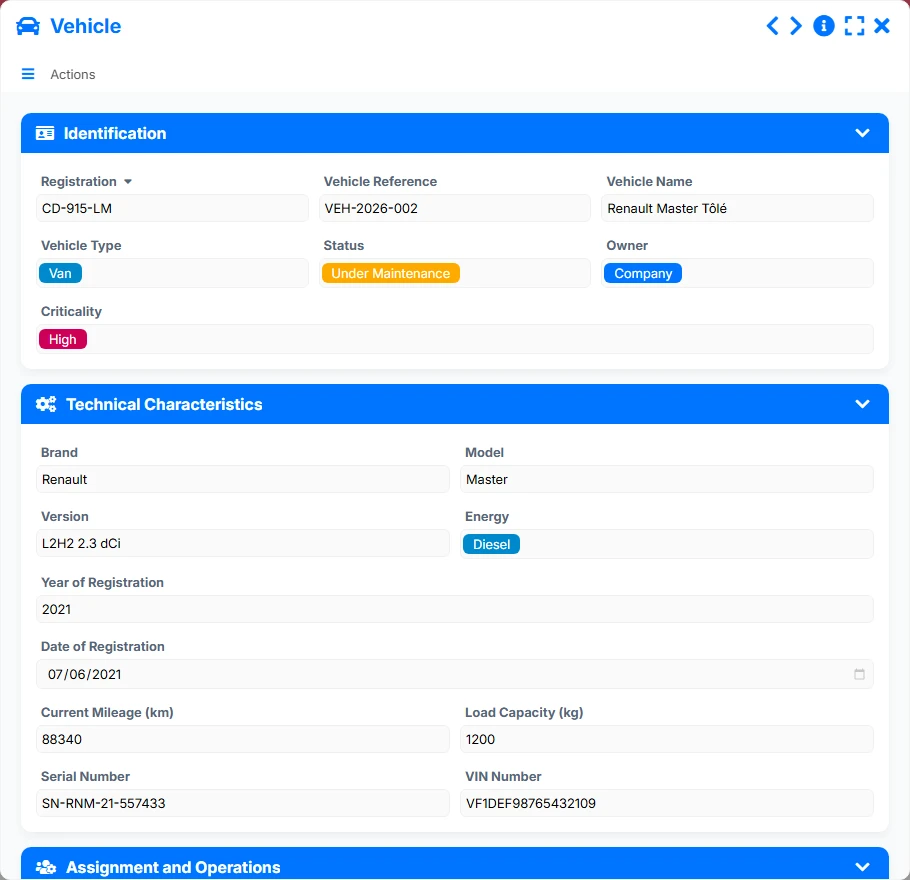
Master file of the fleet with identification, characteristics, assignment, contracts, operations, and related documents.
Tracking of contracts associated with a vehicle and a contact, including signature information, status, and due dates.
Reference of contacts related to the fleet, useful for finding stakeholders, service providers, and managers.
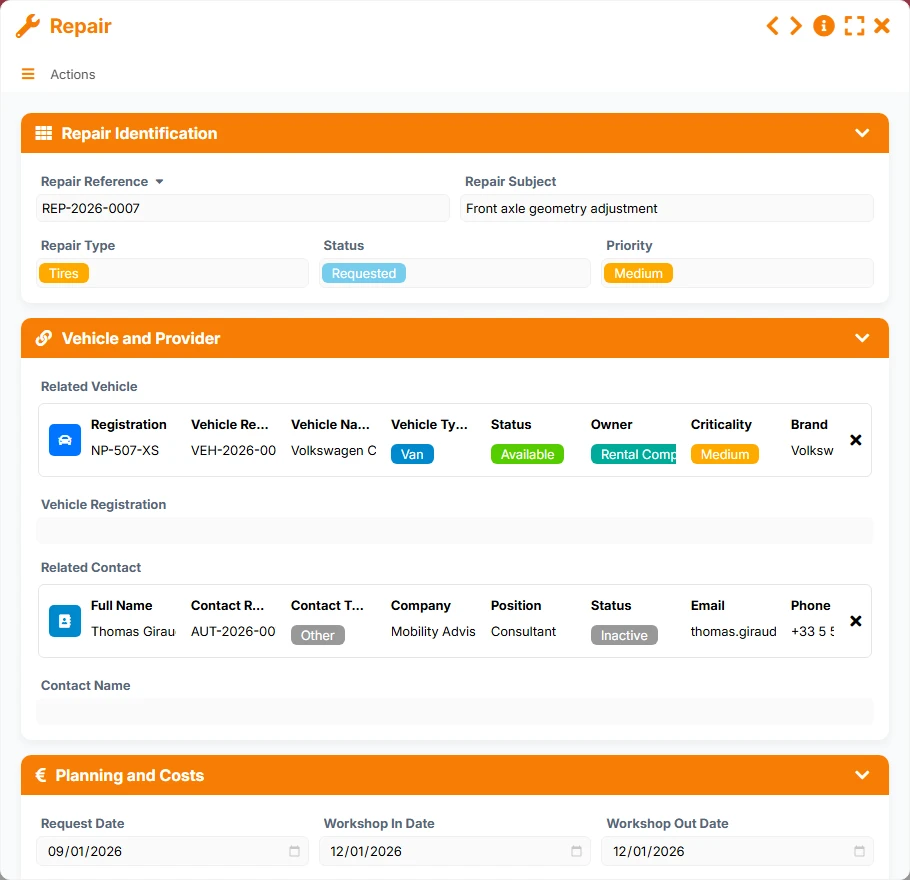
Management of repair requests, the vehicle concerned, the associated contact, priorities, and workshop visits.
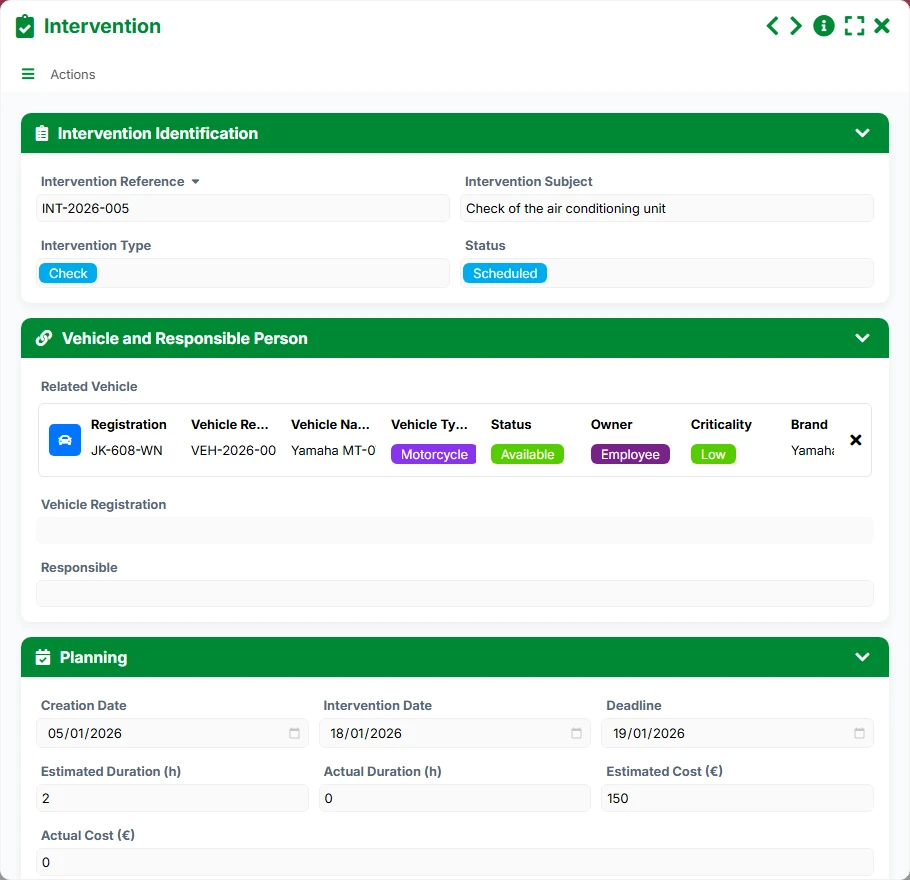
Organization of planned or to-be-performed interventions, with responsible persons, key dates, and reports.
Reporting and handling of incidents related to a vehicle, including severity, status, and tracking.
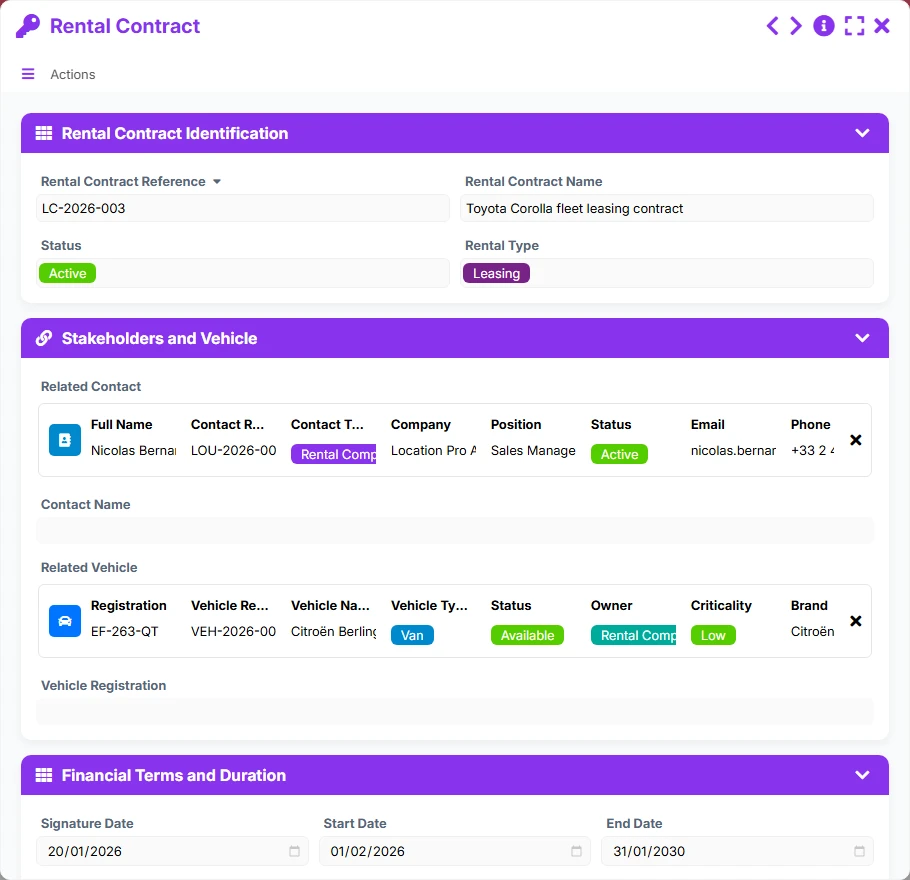
Management of rental contracts with their dates, statuses, terms, and links to the vehicle and contact.
Keep a complete file per vehicle with registration, reference, status, criticality, technical characteristics, and operational elements.
Attach each contract to the correct vehicle and contact to secure traceability, track deadlines, and quickly find stakeholders.
Record requests, planning, priorities, responsible persons, and costs to manage routine maintenance as well as field actions.
Report incidents related to a vehicle, qualify their severity, and organize their handling with a usable daily history.
Track rental contracts with their start and end dates, statuses, and upcoming deadlines to avoid contractual oversights.
Access views by status, deadline, maintenance, delay, or criticality to immediately spot emergencies and prioritize actions.
The model reflects the real logic of a fleet service: first, identify the vehicle, then associate it with contracts, contacts, and tracking operations. The views then allow you to manage deadlines, ongoing requests, and anomalies without losing track between objects.
Each vehicle is recorded with its identification data, status, criticality, and characteristics. This file becomes the anchor point for other tracking objects.
The vehicle can be associated with multiple contracts and rental agreements, while contracts are linked to a contact. This way, you keep track of the right interlocutor and the correct contractual framework.
From the concerned vehicle or contact, teams create related repairs, interventions, or incidents. Reverse links allow you to retrieve all history from a single file.
Statuses, priorities, deadlines, and responsible persons are used to organize processing. Views by status, upcoming or overdue make progress immediately readable.
Calendars and dashboards highlight upcoming controls, active contracts, vehicles under maintenance, and critical incidents to decide quickly and avoid operational disruptions.
All forms offered in the app templates are editable and adjustable to your business, as well as the colors and layouts.
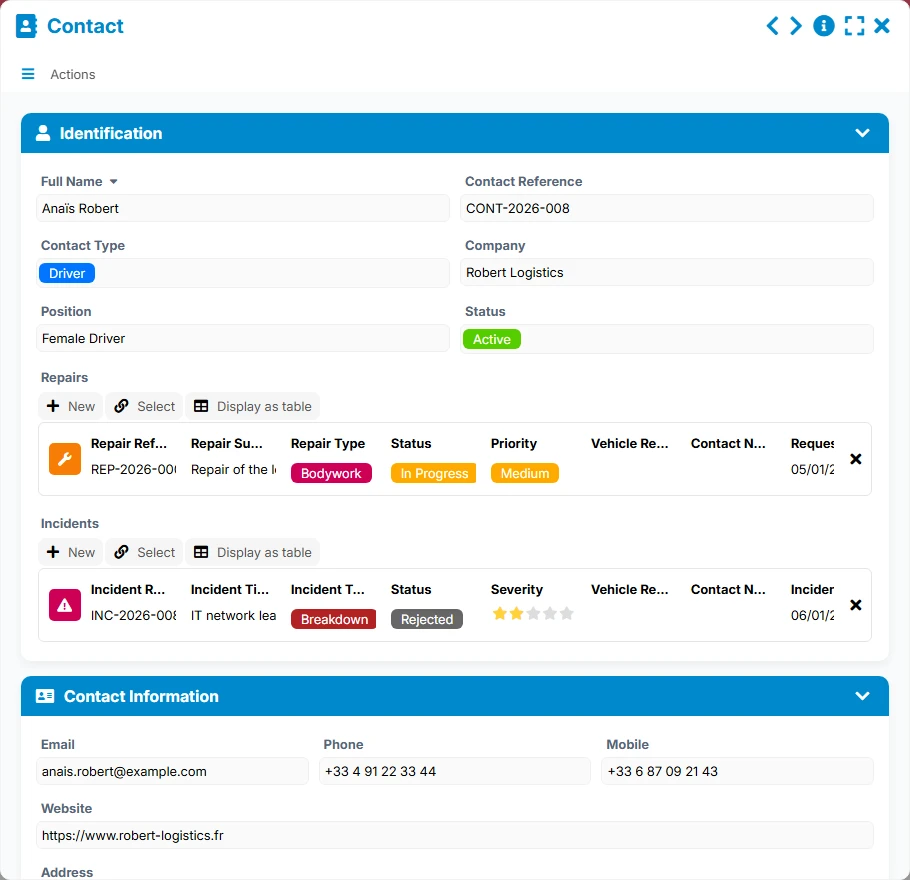
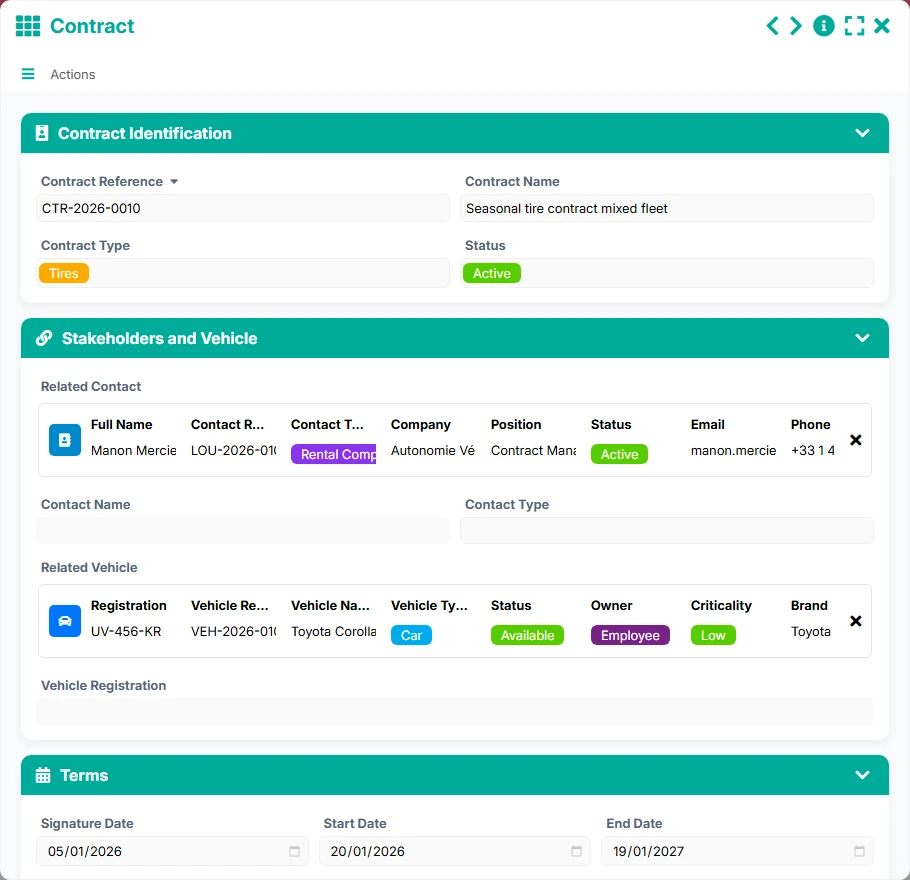
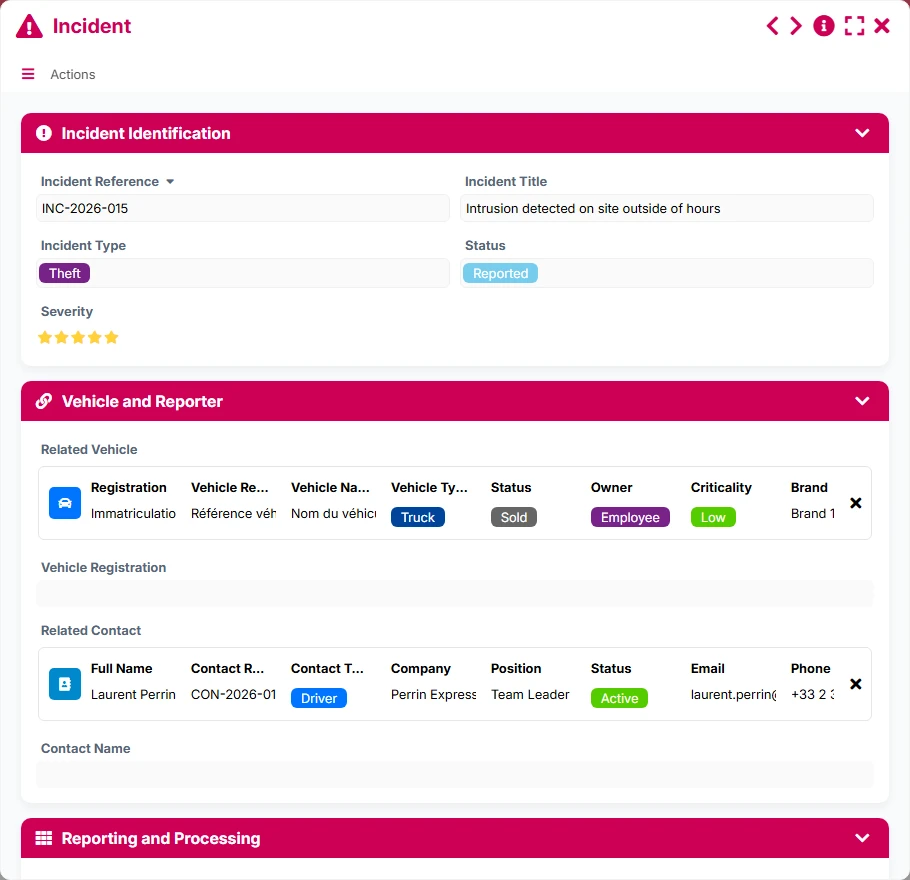
Easily structure a small or medium fleet without multiplying files and manual follow-ups.
Provide a common framework to track larger fleets, with roles, deadlines, and shared histories.
Secure the management of a fleet of vehicles subject to tracking, compliance, and traceability obligations.
Manage vehicles used across multiple sites or missions with a clear view of contracts, incidents, and repairs.
Yes. The vehicle file serves as a central point to link contracts, rentals, repairs, interventions, and incidents to maintain a complete history.
Yes. Calendar views and statuses facilitate tracking upcoming deadlines, controls to plan, and active contracts.
Thanks to the relationships between forms, each vehicle links back to its contracts, repairs, interventions, and incidents, avoiding the need to search for information across multiple tools.
Yes. Statuses, priorities, severity of incidents, and views overdue or upcoming allow immediate identification of critical actions.
Yes. The dashboards for vehicles, repairs, interventions, incidents, and contracts provide a useful overview of costs and activity.
Yes. You can adjust fields, statuses, views, and automations to tailor the model to your organization and management rules.
Install this model to centralize your vehicles, contracts, and maintenance operations. Then customize it according to your processes, teams, and business deadlines.
Here is what our clients say
Companies of all sizes and sectors that have optimized their operations with Airprocess



























