1 click
To install the template

Student Tracking
Centralize student information, administrative files, payments, interviews, and training sessions to track each path with more clarity, responsiveness, and continuity.
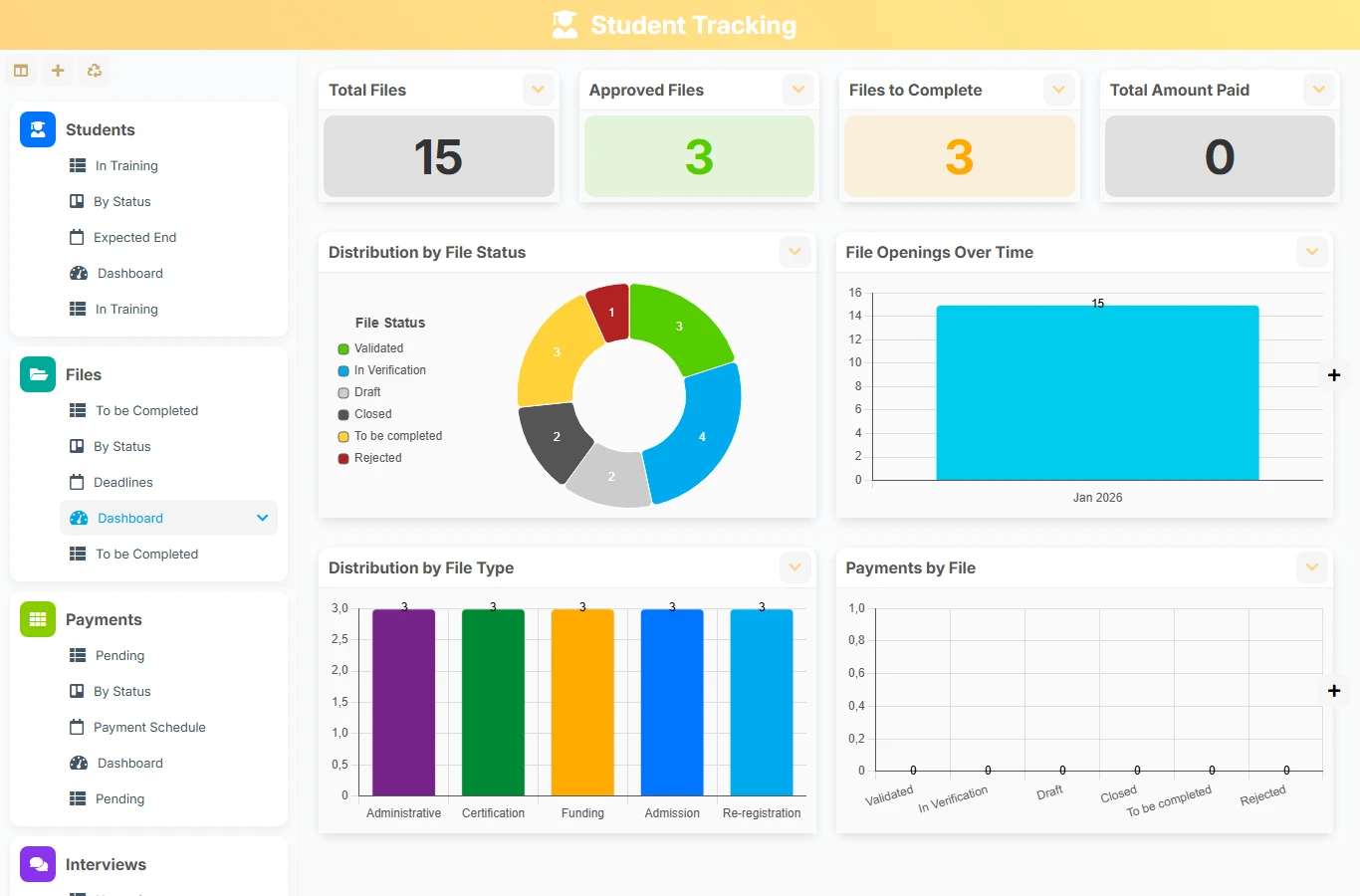
This AirProcess template replaces fragmented tracking with a coherent structure where each student is linked to their files, interviews, payments, and training sessions. Teams gain visibility, deadlines become easier to track, and useful information remains attached to the correct file.
1 click
To install the template
5
ready-to-use forms
100%
Customizable without development
France
Technology and hosting
Central record of the application to identify each student, track their status, and access their files, interviews, and training sessions.
Administrative record linked to a student, used to structure procedures, the manager, dates, and associated payments.
Recording of payments related to a file to track amounts, deadlines, payment methods, and financial status.
Tracking appointments and exchanges with the concerned student, including planning, participant, channel, and report.
Management of sessions, their schedule, capacity, and enrolled students to organize the educational path.
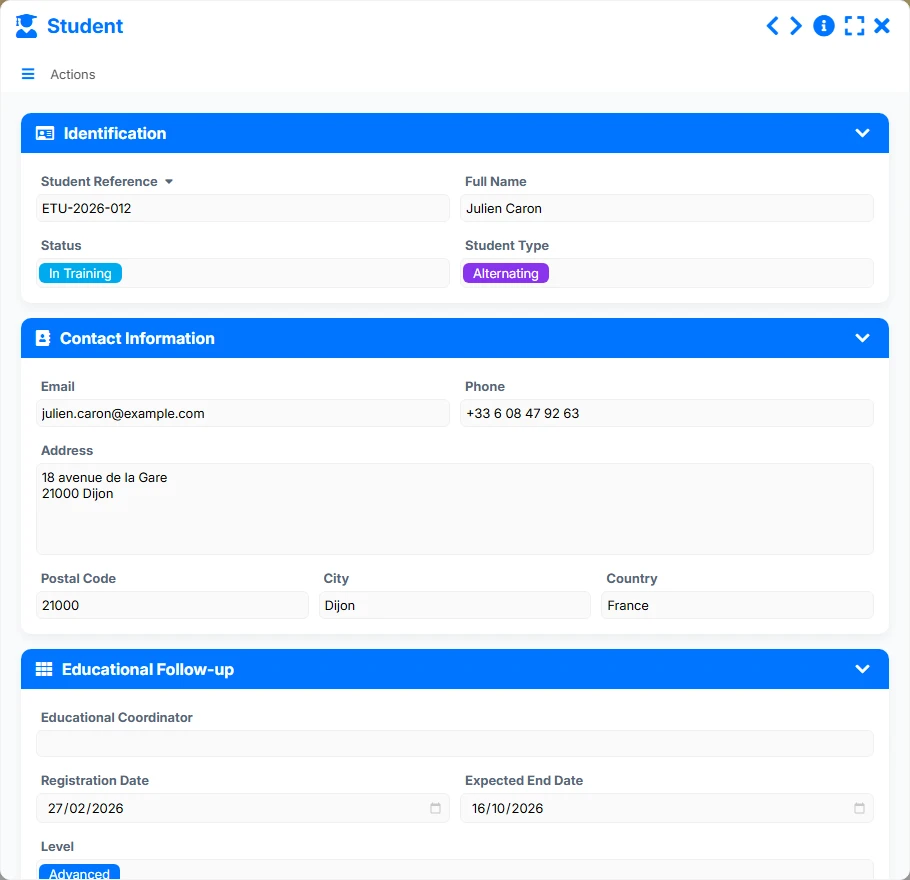
Keep the identity, contact details, status, type of student, and educational tracking markers in a single record, usable as an entry point for the entire journey.
Each student can have multiple files, with a unique reverse link on the file side. This way, you maintain clear traceability between the tracked person and their administrative procedures.
Files include their associated payments to track amounts due, amounts paid, due dates, and payment statuses without losing context.
Plan and archive interviews with the concerned student, the channel, the participant, the date, the time, and the status to maintain a precise view of the support.
Link students to training sessions in a multi-to-multi logic to track registrations, modalities, session dates, and group capacity.
The template organizes work around the student as the anchor point. From this record, teams open files, plan interviews, track payments, and link the student to training sessions. Dashboard and planning views then help manage urgencies, delays, and ongoing paths.
The team records the reference, full name, status, type of student, and contact details. This record becomes the foundation for all associated tracking.
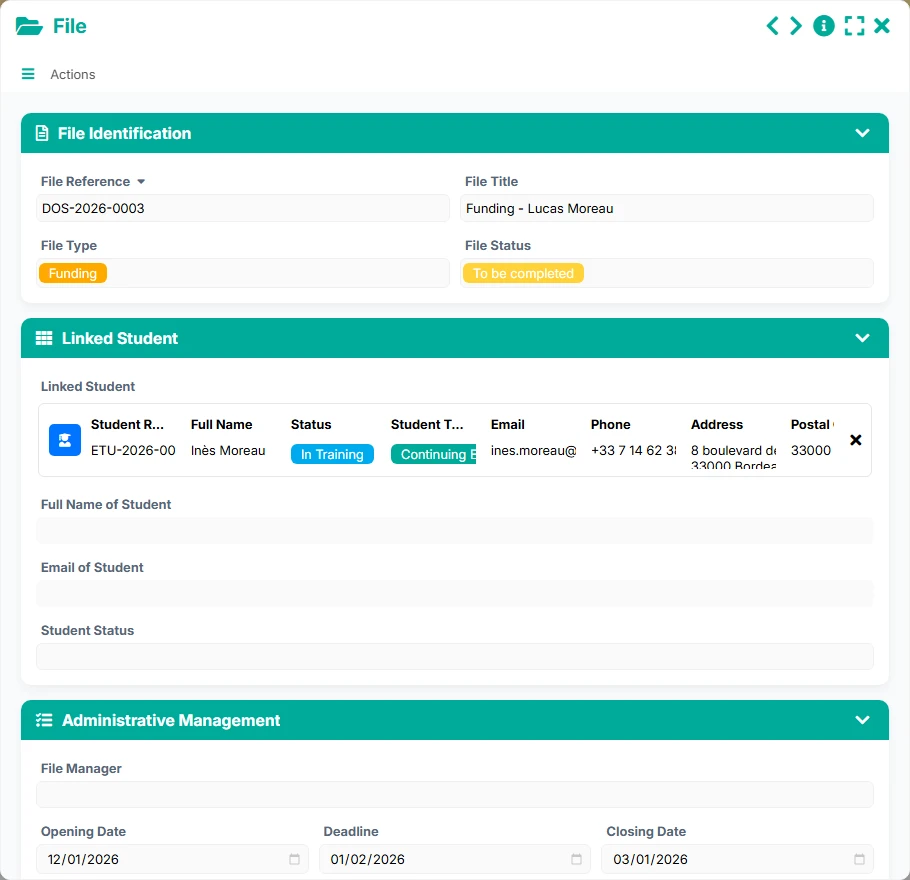
From the student, multiple files can be created and linked. The file carries its own reference, status, opening date, manager, and useful management information.
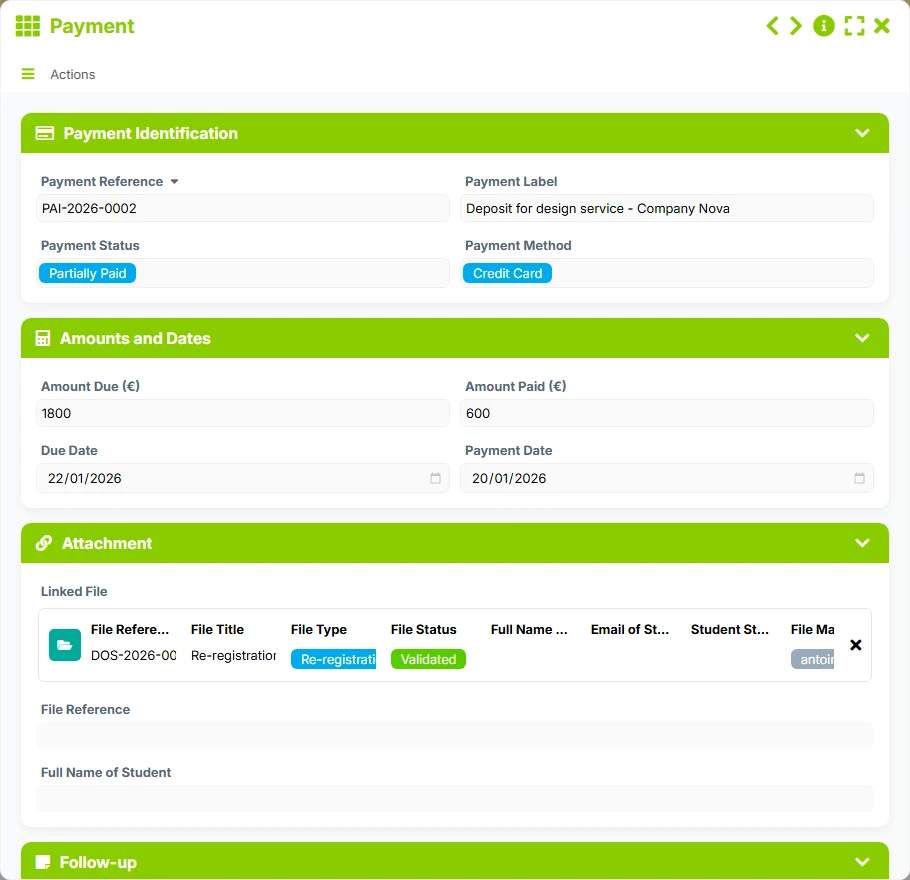
Each file references multiple payments. Teams thus control deadlines, amounts due and paid, payment methods, and files still awaiting regularization.
Interviews are linked to the concerned student and can be tracked by date, time, channel, participant, and status. This facilitates preparation, reporting, and follow-up.
The multi-to-multi relationship allows associating a student with multiple training sessions, and a session with multiple students, to manage groups, capacity, and scheduling.
Dashboards, kanbans, calendars, and timelines help identify files to complete, pending payments, upcoming interviews, and ongoing sessions.
All forms offered in the app templates are editable and adjustable to your business, as well as the colors and layouts.
Structure the tracking of students without multiplying Excel files, keeping a simple view of files, payments, and appointments.
Provide rigorous tracking of registrations, administrative files, and deadlines, with better traceability of paths.
Manage individualized support, training sessions, and follow-up interviews in a shared and readable framework.
Yes. The model links the student record to files, payments, interviews, and training sessions to cover overall tracking.
Yes. The provided relationship allows a student to have multiple files, each linked to a single student via the reverse link.
Each file references multiple payments. You can thus track amounts due, payments received, deadlines, and payment statuses.
Yes. Interviews are linked to the concerned student and can be managed in a list, agenda, and kanban by status.
Yes. The multi-to-multi relationship between students and training sessions allows managing multiple registrations and tracking capacities, dates, and modalities.
Dashboards highlight students in training, files to complete, pending payments, interviews conducted or upcoming, and ongoing sessions.
Install this template to centralize paths, secure follow-ups, and gain visibility on files, payments, and sessions. You can then adapt fields, views, and automations to your organization.
Here is what our clients say
Companies of all sizes and sectors that have optimized their operations with Airprocess



























