1 click
To install the template

Time Tracking
Centralize timesheets, link them to projects and contacts, then follow at a glance the entered hours, periods awaiting validation, and the valued amount of the activity.
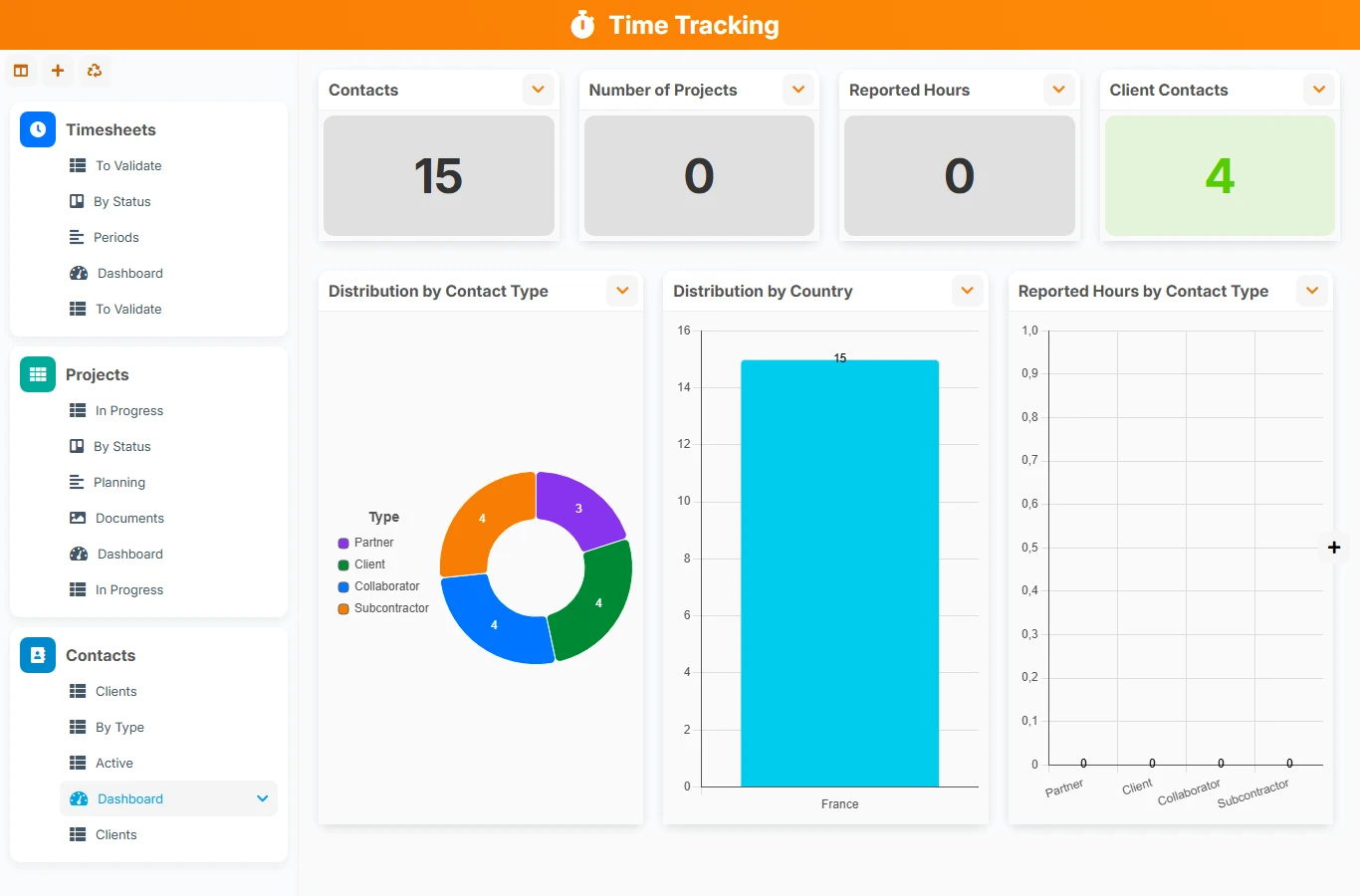
This template helps structure time tracking where spreadsheets, emails, and isolated notes create entry discrepancies, validation oversights, and an incomplete view of the workload. You get a common base to measure hours, consolidate projects, and better prepare billing or internal management.
1 click
To install the template
3
ready-to-use forms
100%
Customizable without development
France
Technology and hosting
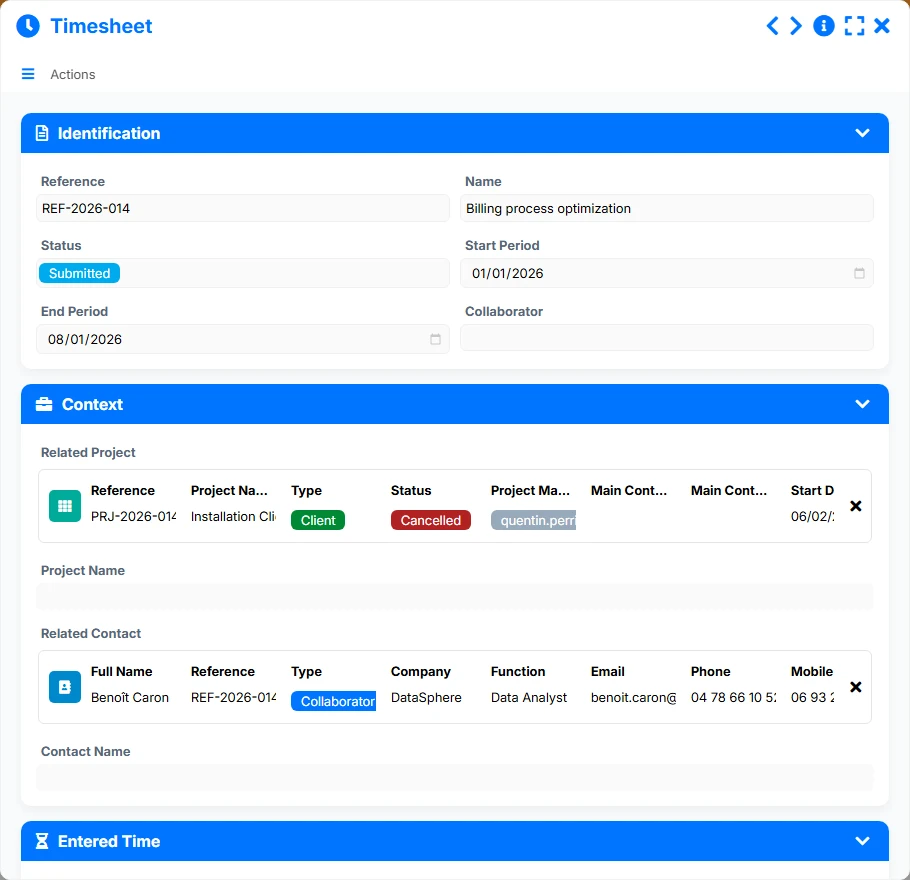
Records the worked periods, the collaborator, the processing status, and links to the relevant project and contact.
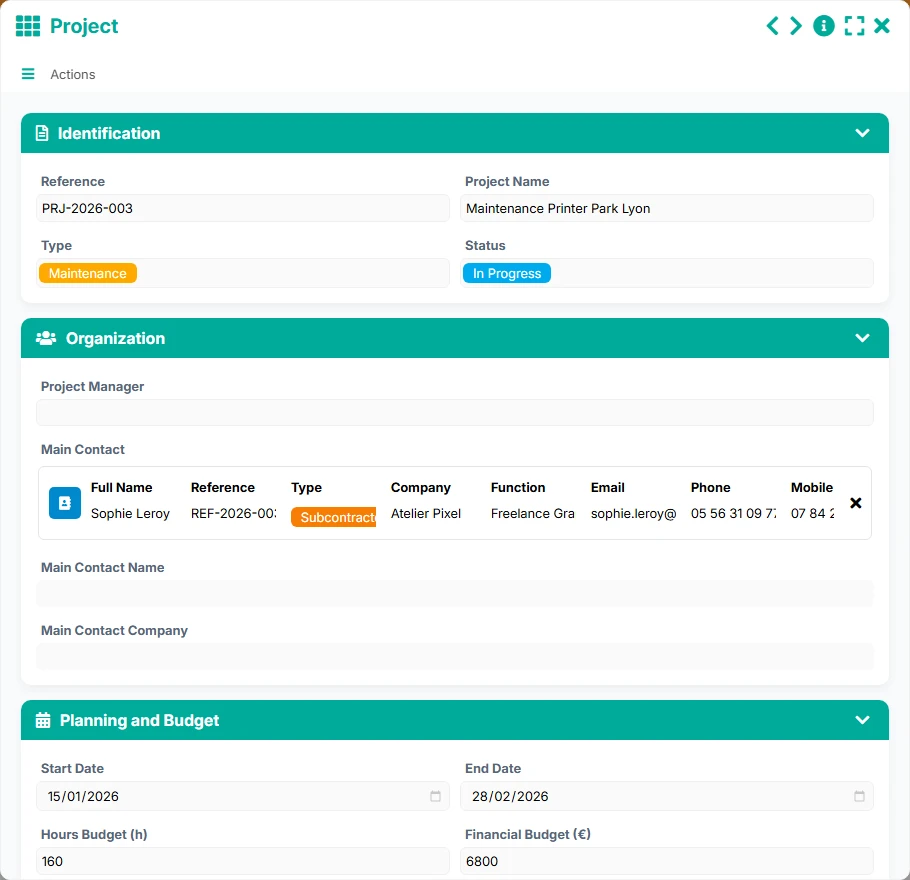
Centralizes the management of the file with the hour budget, the schedule, the status, and the main contact.
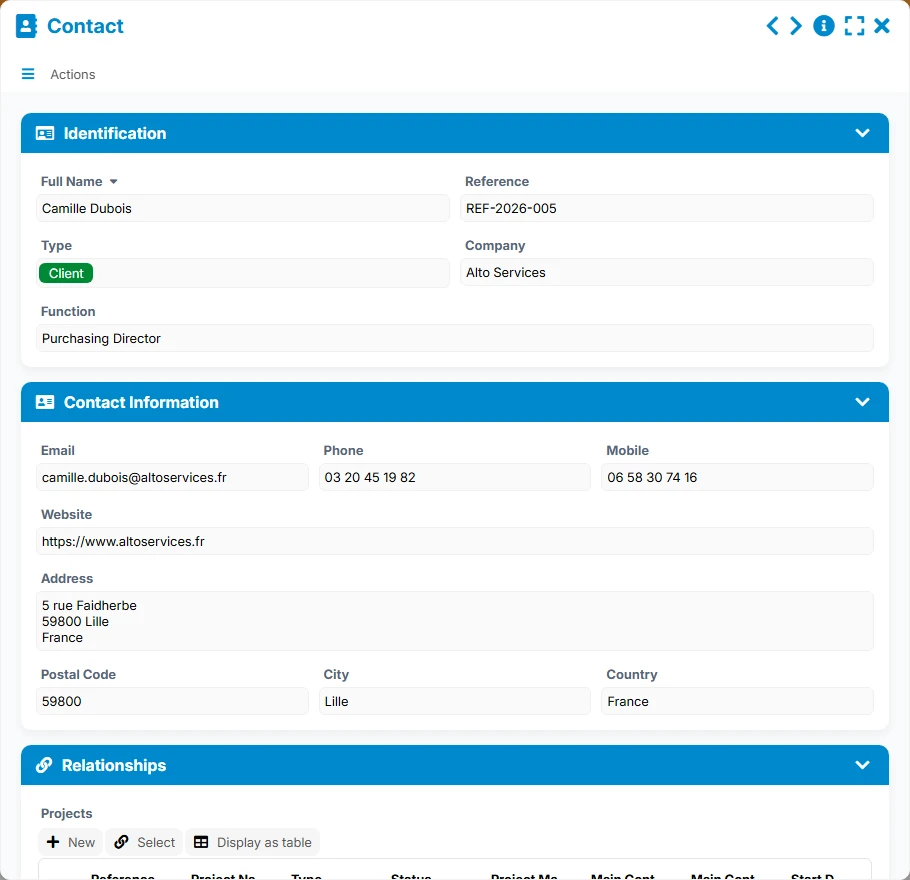
Gathers contact details and relationship information for clients, internal stakeholders, or partners.
Each timesheet gathers a reference, a status, a start and end period, a collaborator, and the necessary tracking information to accurately trace the activity.
Projects carry the operational context with their reference, status, project manager, start and end dates, as well as the hour budget to compare planned versus reported.
Contacts centralize people, their details, their company, and their role to link projects and time to the right stakeholders.
A timesheet is linked to a project and a contact, while a project is linked to a main contact. The template thus allows for natural navigation from entered time to the right file and the right client.
List, kanban, timeline, and dashboard views facilitate daily tracking, validation, reading of worked periods, and analysis of workload by status, month, or project type.
The template relies on a simple chain: first, create the client and project reference, then link the timesheets to the right files to track the workload, control the entered periods, and exploit the valuation indicators.
Contacts serve as a basis for identifying people, companies, and key stakeholders. They then allow for correctly linking projects and timesheets.
Each project is filled with its status, type, project manager, schedule, and main contact. This step sets the framework within which time will be entered.
Collaborators create a timesheet for a given period, link it to a project and a contact, then complete the tracking elements to secure traceability.
The Pending validation view highlights timesheets awaiting processing, while the Status kanban helps visualize the progress of declarations and validations.
The dashboard consolidates total hours, overtime, distribution by status, and the valued amount. On the project side, you also track hour budgets, reported hours, and completed projects.
All forms offered in the app templates are editable and adjustable to your business, as well as the colors and layouts.
Keep a simple view of time spent by project, without multiplying manual files or email reminders.
Standardize the tracking of reported hours across multiple teams, projects, and managers with shared control views.
Track time by mission, file, or project while maintaining clear markers for validation and traceability.
Manage volunteer or employee time by action, funder, or program, with a coherent reference of projects and contacts.
Yes. The timesheet is linked to a project and a contact, allowing for activity analysis by both file and stakeholder.
Yes. The Pending validation view and the Status kanban help quickly identify timesheets to process, correct, or validate.
Yes. The Project form contains an hour budget, and the views highlight reported hours, facilitating the management of discrepancies.
Yes. The Periods view and dashboards allow reading hours by period, by start month, or by status.
Yes. The valued amount and tracking of timesheets provide a solid basis for preparing billing or internal re-billing.
Yes. The template serves as an operational base and can then be adapted to your organization, validation statuses, and tracking rules.
Start with a ready-to-use structure to link timesheets, projects, and contacts. You can then customize fields, statuses, and views to fit your organization.
Here is what our clients say
Companies of all sizes and sectors that have optimized their operations with Airprocess



























